Wireless ADSL Router USER MANUAL
10
We can select wizard setup or advanced setup mode to setup KW58283.the wizard set
up will guide us for a basic setting,and the advanced setup will guide us to home page for
more detailed setup.
5.2 Internet Access Configuration
The setup wizard will guide you to configure the DSL router to access Internet via
PPPoE type.
5.2.1 ADSL Setup
From home page, you can find Advanced Setup option on the left router
configuration page.
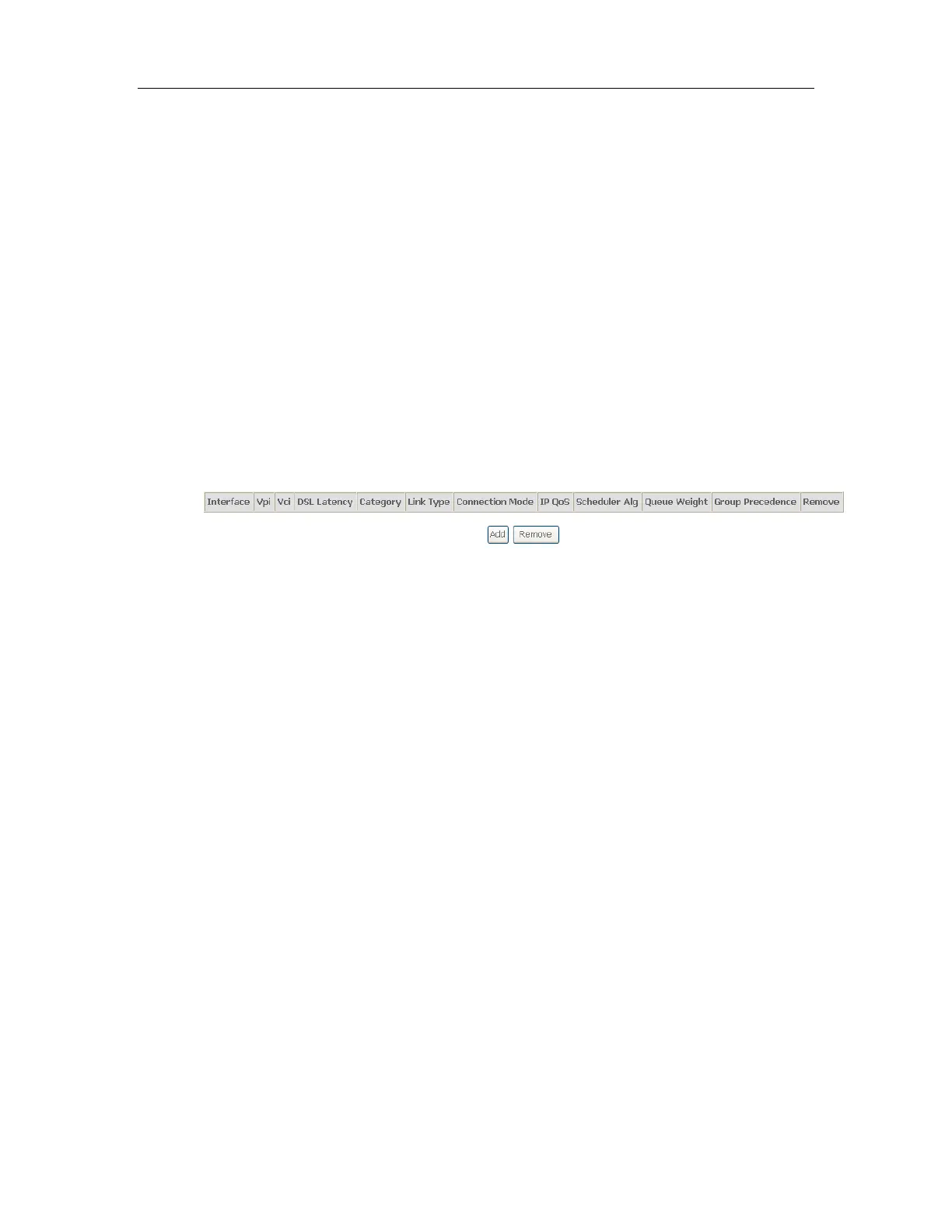
1. From Layer2 Interface, click ATM Interface. you can set it up according to the
following steps. You Choose Add, or Remove to configure DSL ATM interfaces.
2. Click Add to configure PVC identifier, select DSL latency and select connection
mode according to your local occasion. After the configuration, you need to
click Apply/Save.



 To Next Page