Wireless ADSL Router USER MANUAL
34
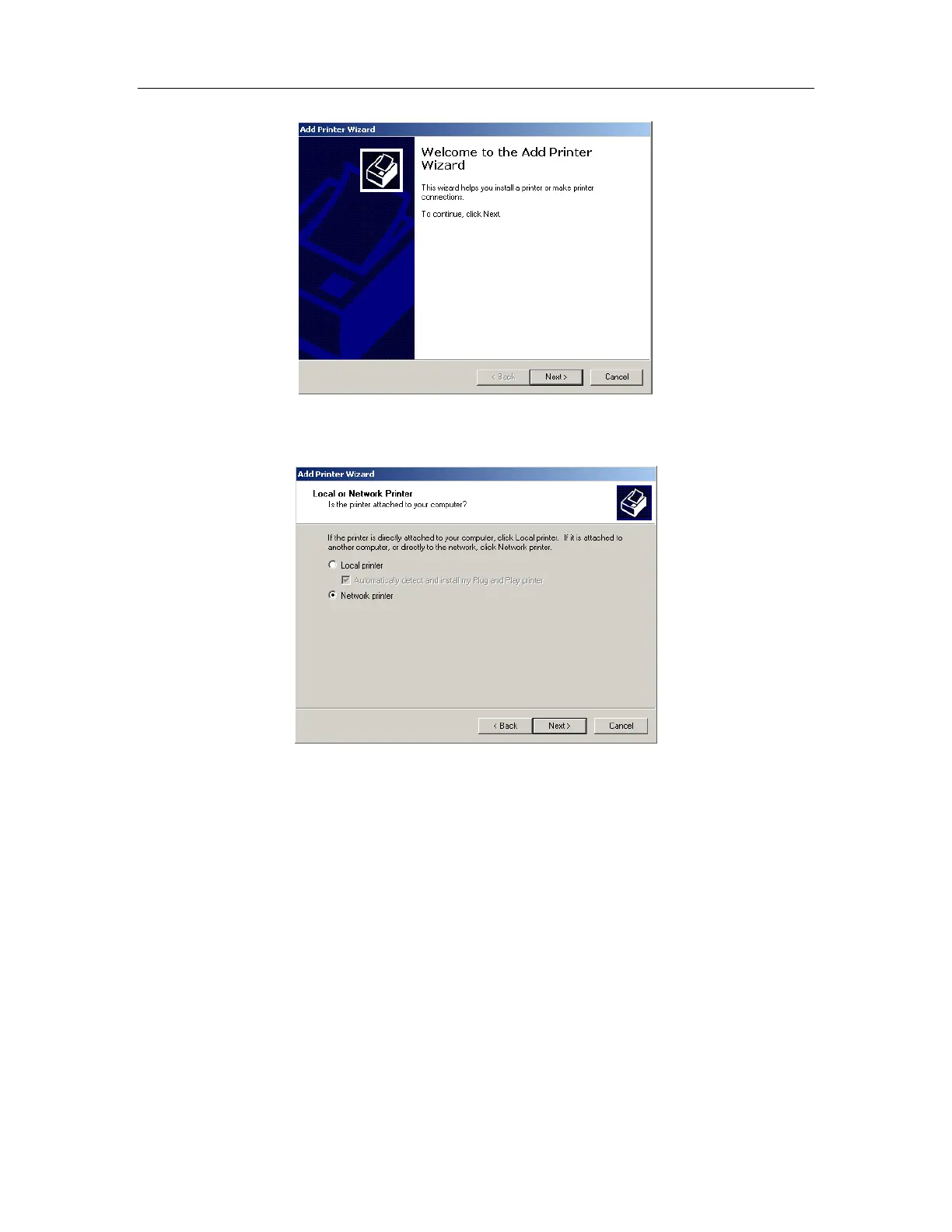
3. Select “Network Printer” and click “Next”.
4. Select Connect to a printer on the Internet, type
“http://192.168.1.1:631/printers/printer” and click “Next”. The printer name “Printer”
must be the same name entered in the ADSL router “print server setting” as in step
1.



 To Next Page