W H E E L B L A N C E R
- 10 -
2) Automatic rim data
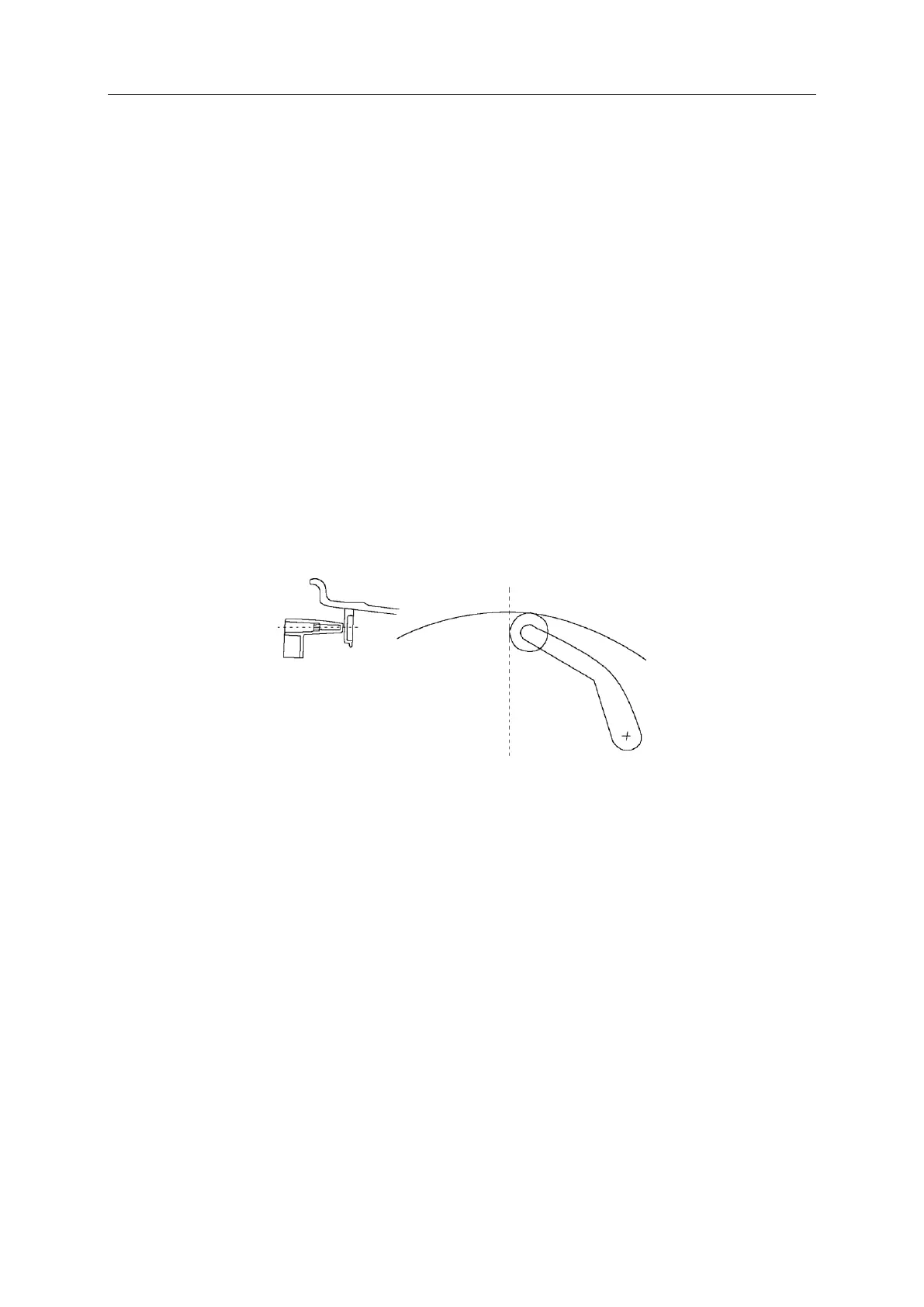
Pull the pull rod, the pull rod to measure the tyres in the first place, stop for a
few seconds, the digital tube display 5.7, aI your measurements first position
and continue to pull the pull rod, to measure the second position, the digital tube
display, ALU S second position after aE measurement, loosen the pull rod
position 0, the value on the left side of the digital tube display is the aI, The
intermediate digital tube display is AE value.
4.4 Balance mode selection
Press F to select static balance and ALU to select other modes.
4.4.1 Select the following different balancing modes according to the position
and mode of adding the balancing block. Press F and ALU continuously in the
display window of balancing mode (such as the control panel diagram) to
display the following different balancing modes. Every time the boot
automatically into the dynamic balance, no need to make a choice.


 To Next Page