EasyManua.ls Logo

Kawai K4 - Page 7

Kawai K4
104 pages
Print Icon
To Next Page IconTo Next Page
To Previous Page IconTo Previous Page
Loading...
8
8
=
How
to
use
this
manual
This
manual
is
composed
of
three
chapters
and
appendices
as
shown
below.
Chapter
1.:
Introduction
Chapter
2.:
Applications
Chapter
3.:
Advanced
Applications
Appendices
Index
Specifications
e
Instrument
Setup
@
Let's
Play!
@
The
Fundamentals
of
MID!
@
K4/K4r
Structure
of
Patches
@
The
Tone
Editing
Process
@
Saving
and
Loading
Data
e@
Before
Entering
EDIT
Mode:
The
Basics
of
Editing
e
Editing
a
SINGLE
Patch
e@
Editing
a
MULTI
Patch
@
Editing
Sounds
for
the
DRUM
Section
@
EFFECT
(K4)
and
OUTPUT
(K4r)
Settings
@
SYSTEM
Programming
e@
MID!
DATA
DUMP
e@
Play
Using
a
Sequencer
or
Computer
e@
MULTI
Real
Time
Play
e
MID!
for
the
Advanced
User
e
Error
Messages
@
Troubleshooting
e
Parameter
Reference
Chart
e
DRUM
Section
and
EFFECT
Factory
Settings
e
Blank
Chart
e@
MIDI
Implementation
Chart
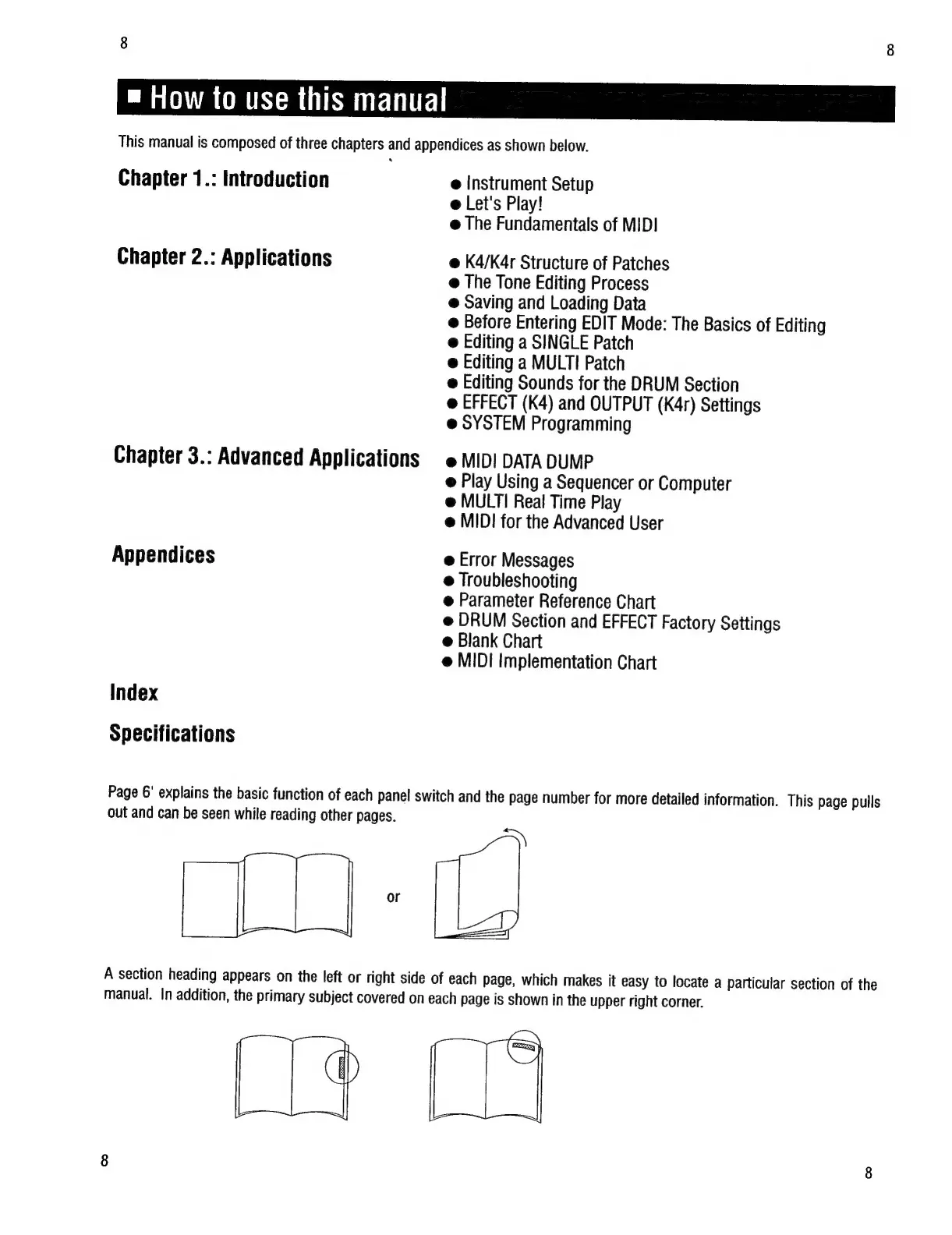
Page
6°
explains
the
basic
function
of
each
panel
switch
and
the
page
number
for
more
detailed
information.
This
page
pulls
out
and
can
be
seen
while
reading
other
pages.
TO:
A
section
heading
appears
on
the
left
or
right
side
of
each
page,
which
makes
it
easy
to
locate
a
particular
section
of
the
manual.
In
addition,
the
primary
subject
covered
on
each
page
is
shown
in
the
upper
right
corner.