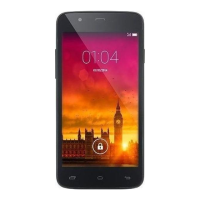
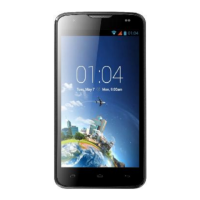
Need help?
Do you have a question about the KaZAM Life R5 and is the answer not in the manual?
Provides basic information about the KAZAM Life R5, including screen size, camera, battery, and connectivity.
Details the physical components and features of the KAZAM Life R5, illustrated with a diagram and labeled parts.
Step-by-step guide for installing the SIM card and battery into the KAZAM Life R5 device.
Instructions for inserting a micro SD card into the KAZAM Life R5 to expand storage capacity.
Explains how to turn the KAZAM Life R5 phone on and off using the power key.
Covers making and receiving calls, including direct dial, international calls, contact dialing, and call history.
Details on sending and receiving SMS and MMS messages, including creating messages and managing the inbox.
Instructions for managing phone contacts, including adding, editing, copying, and setting up speed dial.
Instructions for using the camera to take photos, including camera options and settings.
 General
| Brand | KaZAM |
|---|---|
| Model | Life R5 |
| Category | Cell Phone |
| Language | English |

 To Next Page