9
Important keys & connectors
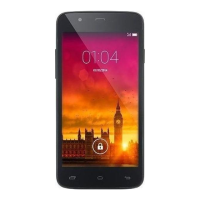
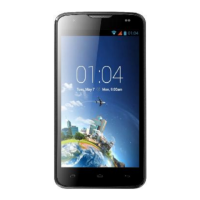
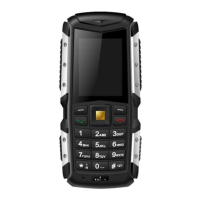
Phone overview
When making a phone call, the sound will be heard
through this speaker located above the touch screen.
Use your fingers to navigate the capacitive touch
screen. Navigate through menus by tapping, swiping
or long pressing an item.
Press the Start Button to get home to the Start Screen
at any given time. Long press the Start button to
activate Speech, the inbuilt voice search.
Takes you back one screen from where you are. Long
press the back key to quickly switch between recent
applications.
Press the Search button to go straight to the powerful
Bing search engine. From there you can also use Local
Scout – the location search, Visual Search – searching
for items using the camera (including scanning
barcodes), Audio Search – to identify what song is
being played, or type a query in the text box for
anything else.
This camera is used to make Skype calls, video calls or
take selfies.
Plug in any standard 3.5mm headphones/headsets to
listen to music, make phone calls or listen to the
FM-radio. The jack has to be connected to
headphones in order to listen to FM-radio.
Press these buttons to adjust the speaker volume,
in-call volume and headset / earphone volume.
Use this port to connect the bundled USB-cable to a
PC or charger.
This is the main camera, use the shutter button to
take pictures or to perform a Visual Search.
The LED-torch can be used as a flash for low light
images or as a Torch to guide you on the right path.
Remove the Battery Cover to reveal the battery,
SIM-slots and SD-card slot.
Short press to enter standby, long press to power off
or on the device.
This speaker is the main loudspeaker of the device.


 To Next Page
 Loading...