IoT HUB Product Guide v.1.0
Lasted Edited: 05/04/2020
10 | Page
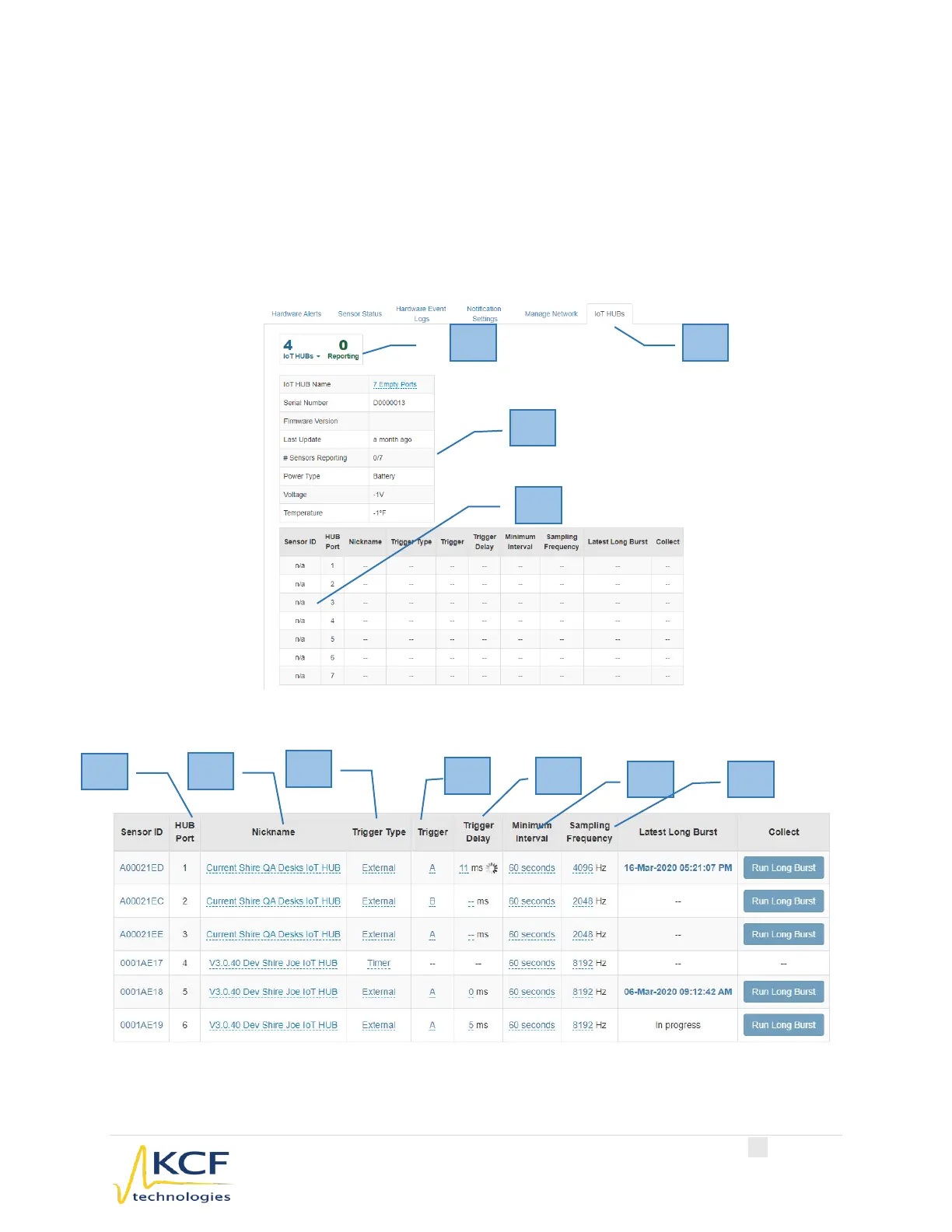
d. Trigger Delay – Triggers can be set to a specific delay. Enter the delay in
milliseconds
e. Minimum Interval – Select the appropriate Minimum Interval from the dropdown
list. Intervals can range from 60 seconds up to 24 hours.
f. Sampling Frequency – Select the appropriate Sampling Frequency from the
dropdown list. Frequency can range from 64 Hz to 8192 Hz.
IoT HUB Hardware Overview in SMARTdiagnostics
IoT HUB Hardware Overview in SMARTdiagnostics



 To Next Page