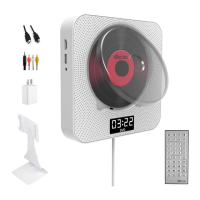
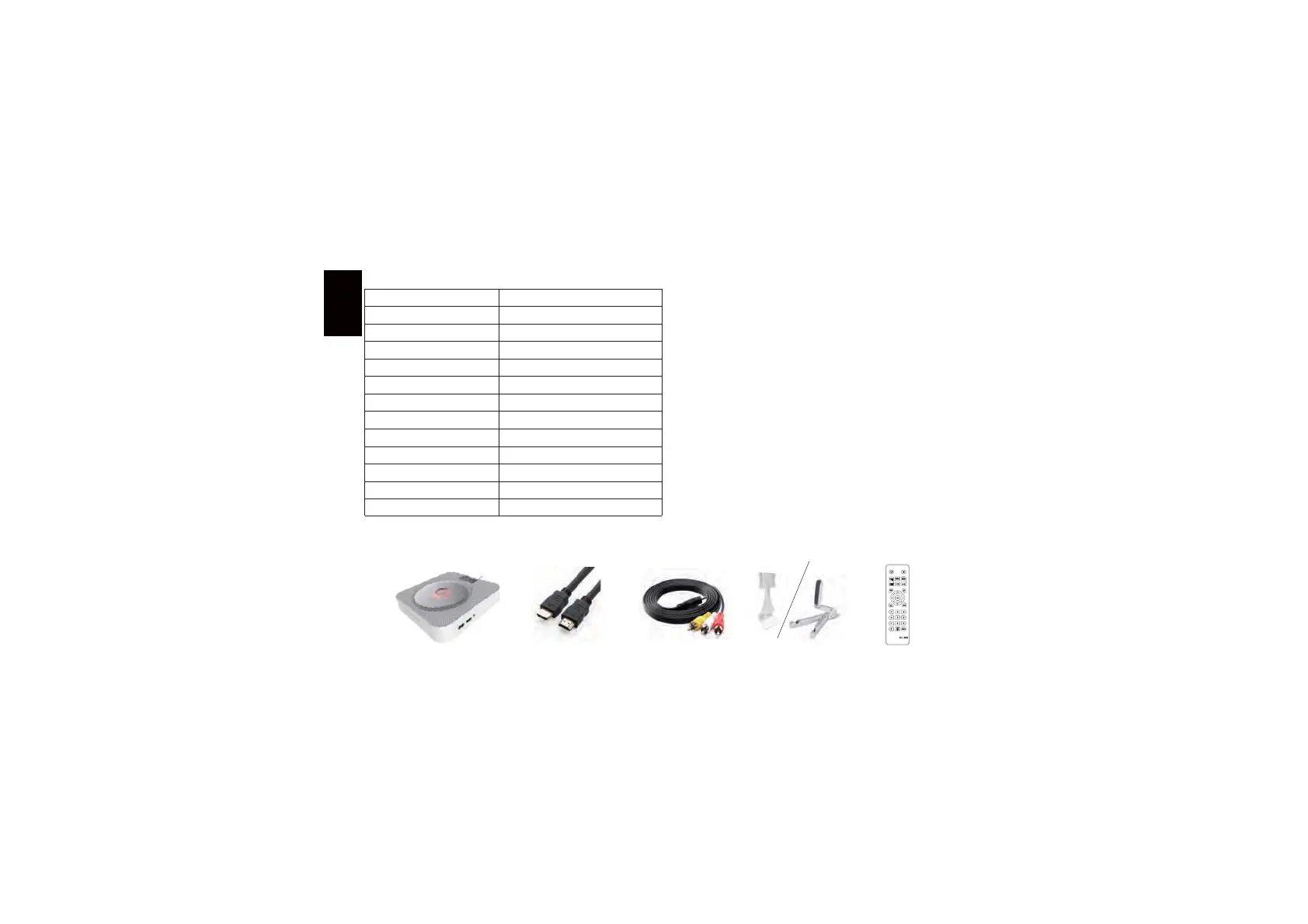
Packing list
Trouble shooting Product specification
DVD/U disk/play format
DVD VCD CD CD-G HD-CD WMAAVI MP3 JPEG
60Hz-16KHzχ±3dB
<1.5%
>70dB
650mv
87.5KHz-108MHz
White/blue/pink/black
DC5V =2A
7.5W
2.5M
1.1KG
189*189*37mm
ABS plastic
Frequency response
Total harmonic distortion
MP3 Link input
SNR
Nominal voltage
FM tuning range
Power
Color
Material
Length of power/switching cable
Host/housing size
Net weight/gross weight
Ɣ7KH'9'SOD\HUGRHVQRWZRUN
1.Check whether the power is successfully connected
If you does not use the original USB adapter, please make sure the
power specification is standard 5V/1.5-2.0A.
2.If the player works in an environment with large temperature difference,
the laser head may be covered by the mist leading to no operation.
Please lay up the DVD player for one hour until it dries, then turn on the
power to attempt to play again.
Ɣ7KHIXQFWLRQVRI'9'GRHVQRWIXQFWLRQ&KHFNZKHWKHU\RXUGLVNIRUPDW
is proper or check whether your disk is too old or damaged, and make
sure the disk is placed correctly.
Ɣ7KHUHPRWHFRQWUROOHUGRHVQRWIXQFWLRQ
Make sure you have taken down the cell insulating piece on the cell box
of remote controller
0DNHVXUHWKHUHPRWHFRQWUROOHULVGLUHFWHGDWDSURSHUSODFHQHDUWKH
pull switch area on the player
Make sure the distance between the remote controller and DVD player
is within 6m. Check whether the cell in the remote controller is already
damaged.
1RWH The remote controller cannot start up/shut down the player, but
that the power switch needs to be pulled.
Host HDMI line AV line Remote controllerSpecial stand
+TMROYN


 To Next Page
 Loading...