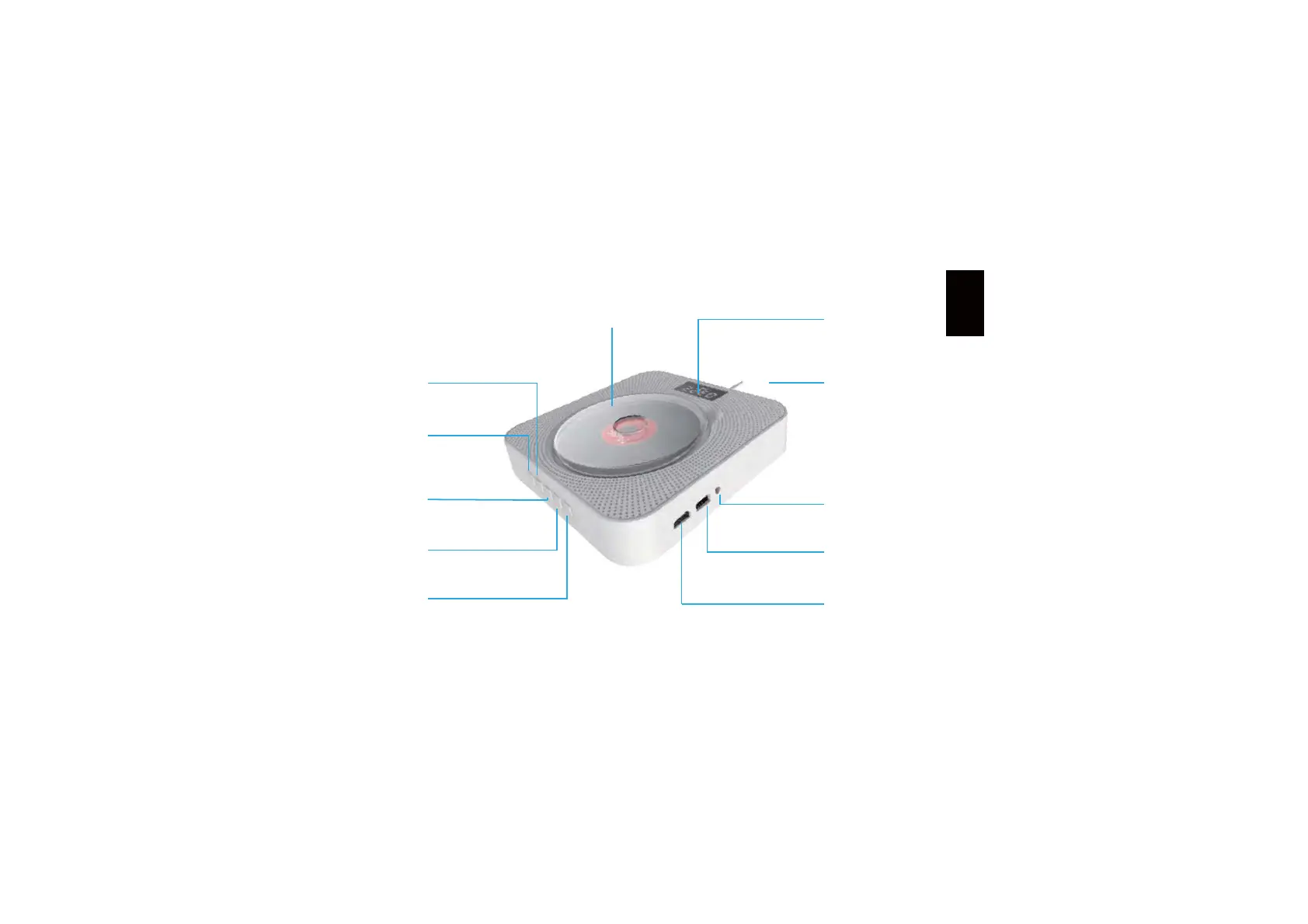
Introduction of keys and functions
Mode switch
LED display
2.5m powerline
AV/3.5mm AV output/inlet
USB socket
HDMI outlet
Volume +
Volume -
Disk protective cover
Previous track
Next track
(also serving as pull switch, pull it to start
up/shut down the device)
Before starting up the device, please insert
the device's power plug into the outlet of
220V, 1.5-2A AC supply.
Display played track number and the playing time
Display the current mode state
Before placing the disk in, please first right-rotate
the disk protective cover before taking it down.
After installing the disk, left-rotate the protective
cover and fasten it.
For the connection method of AV video output,
please refer to the page of TV set connection
mode.
PP$9SRUWFDQEHFRQQHFWHGZLWKHDUSKRQH
to listen to CD music, you can also use 3.5mm
male-to-male audio cable to input the audio of
mobile/computer into the CD player or use 3.5mm
audio cable to output CD audio to an external
sound box
Insert the USD driver and press the mode key to
switch to the USB mode to read the content in the
U disk
For the connection method of HDMI, please refer
to the page of set connection mode
6ZLWFKLQJVHTXHQFHRIPRGH'9'PRGHĺ86%PRGHĺ%OXHWRRWK
PRGHĺ)0UDGLRPRGHĺ/,1(PRGH,QWKHVWDUWHGVWDWHRI'9'
the default mode is DVD mode (read disk). The corresponding mode
symbol will be lightened when this mode is switched to. Switch to the
mode according to your need.
+TMROYN


 To Next Page
 Loading...