Press the Operation button for 1 second in the IR118B.
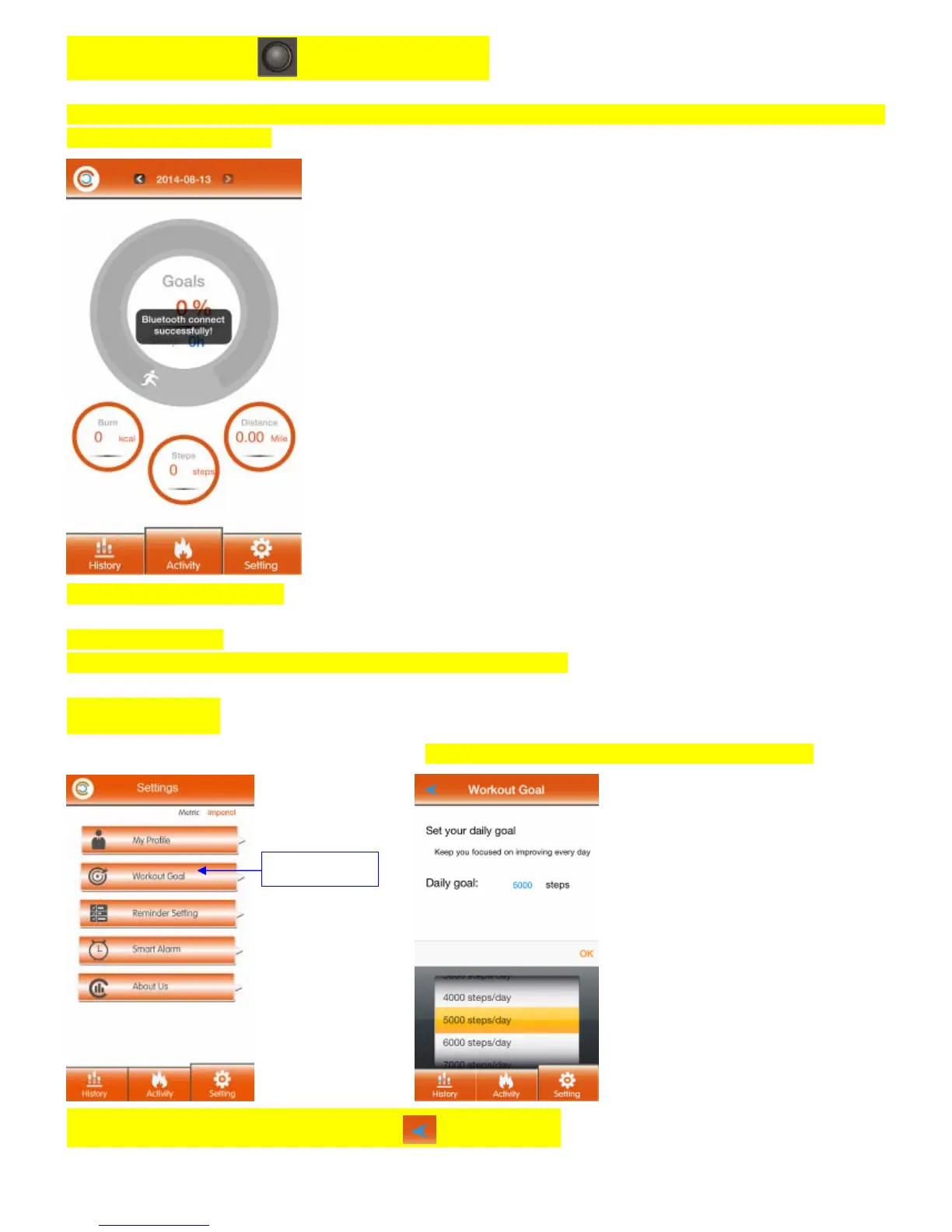
The personal data in APP/APK has been transferred to your IR118B, when you can see the message “Bluetooth connect
successfully” in the APP/APK.
The IR118B is ready to use now
Other APK/APP setting
IR118B is able to Select: Daily Workout Goal, Reminder and Smart Alarm.
Workout Goal
1. Click “Workout Goal” to set your daily sport goals. Choose the daily goal listed in the options and click “OK”.
When complete the “Workout Goal”, please click to “Setting” page.
Workout Goal



 To Next Page