EN
Introduction
Thank you for choosing the Keep Out gaming mouse
X9PRO.
Product Description
The new X9 PRO by Keep Out was born to be your best
professional partner in all kinds of games, allows you
to access extra options, such as running macros or
combinations of features that contribute, surely a real
advantage against your enemies. It has 9 programmable
buttons, a 3 position polling rate adjustment switch and
a scroll button with 2 positions, button pro le switching,
high quality Omron switches. Its Avago 9800 optical sensor
lets you adjust up to 8200 DPI to get the most power for
your games. Thanks to the “Keep Out” software, you can
fully con gure each and every one of the bene ts that
incorporates the X9PRO. You can create pro les for each
game that you can switch easily and quickly.
Become the ultimate gamer with X9 PRO!
Technical Speci cations
• Laser Sensor AVAGO: AVAGO 9800
• DPI: 800-8200 of Dpi
• Polling Rate: 125/500/1000Hz
• Frames per second: 12000fps
• Internal Memory 512Kb
• Acceleration: 30 G
• OMRON Switches
• 9 fully programmable buttons
• 1 DPI switch button, another to change the pro le and
another one to change the Polling Rate
• High quality Nylon Cable. Length 175 cm
• 8 weights of 4g each one
• Green Backlight
• Compatible with: Windows XP / Vista / 7/8
Package Contents
-Gaming Mouse X9PRO
-Quick Installation Guide in multiple languages
- Installation CD drivers
-Weights
Note:
Make sure that your package contains the items described
above. If you nd any items are missing or damaged,
please contact your dealer.
Installation
1 Connection: Connect the X9PRO to a free usb port on
your pc.
2 Installing software in Windows. Insert the installation CD
in your drive and install the drivers or download them from
www.keepoutgaming.com
3. Reboot your pc.
Software
The driver software is divided into 5 main sections “Home
Base”, “Main Frame”, “Button Setting”, “Lighting Options”
and “Support / Updates”.
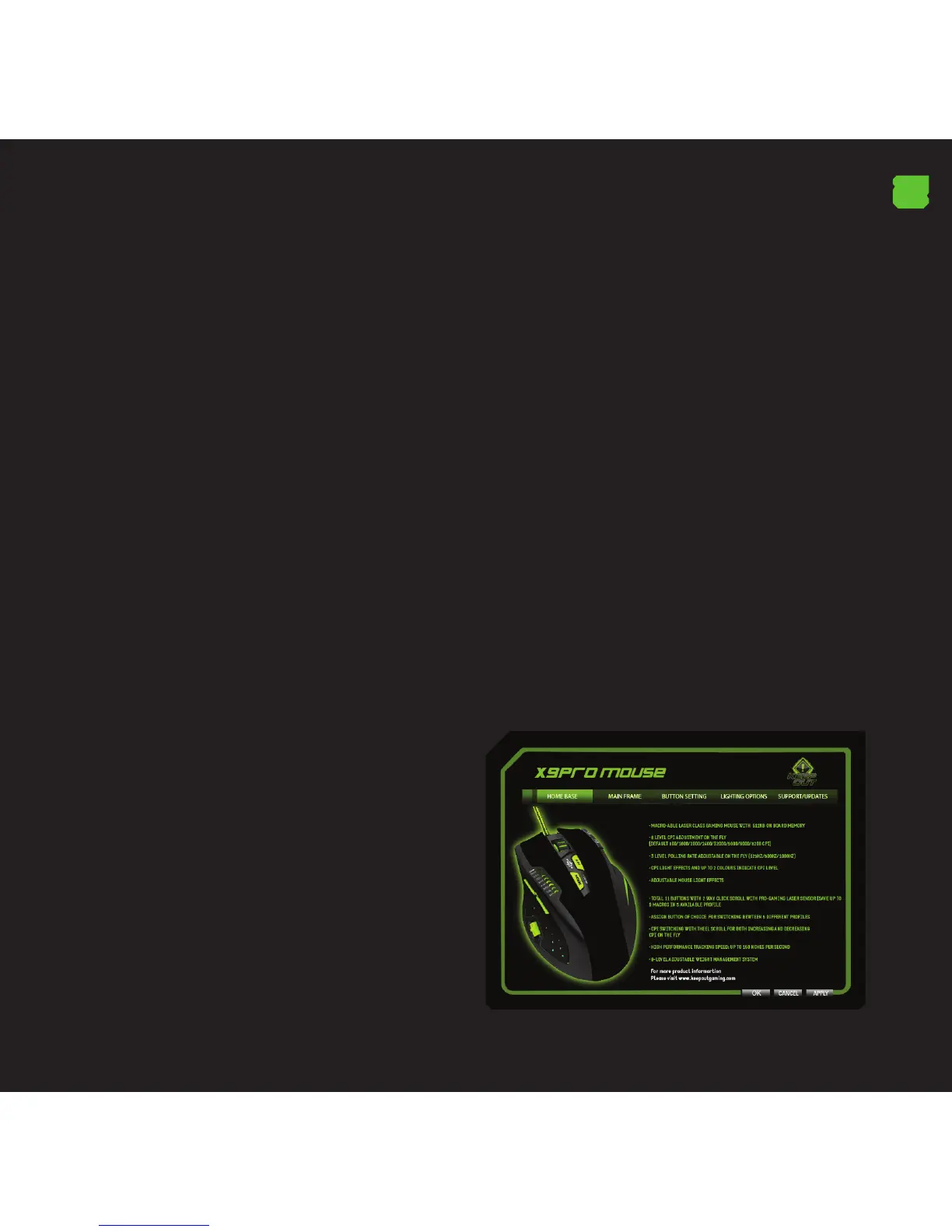
1.Menu “Home Base”
This section shows the main features and speci cations of
the mouse. In this section you cannot make any changes.



 To Next Page
 Loading...