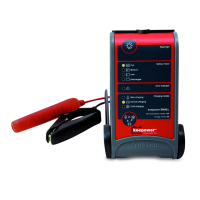
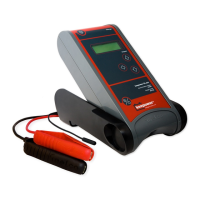
Need help?
Do you have a question about the Keepower Medium and is the answer not in the manual?
Used for normal batteries, maintenance-free, GEL and sealed types. Suitable for various conditions.
For batteries below 5°C and most AGM batteries, with specific gas limit voltages.
Functions as a power supply for car facilities without motor running; requires battery connection.
Used to kick-start low-power batteries with an intelligent boosting process.
Step 1: Ensure mains supply is disconnected and then connect clamps to show battery state.
Step 2: Connect clamps, connect to mains, select mode, and charge until LED is constant.
 General
| Weight | 0.5 kg |
|---|---|
| Charging Voltage | 12V |
| Output Voltage | 12V |
| Compatibility | Lead-acid batteries (Wet, MF, AGM, GEL) |
| Protection Features | Reverse polarity |


 To Next Page