Setup and Connections
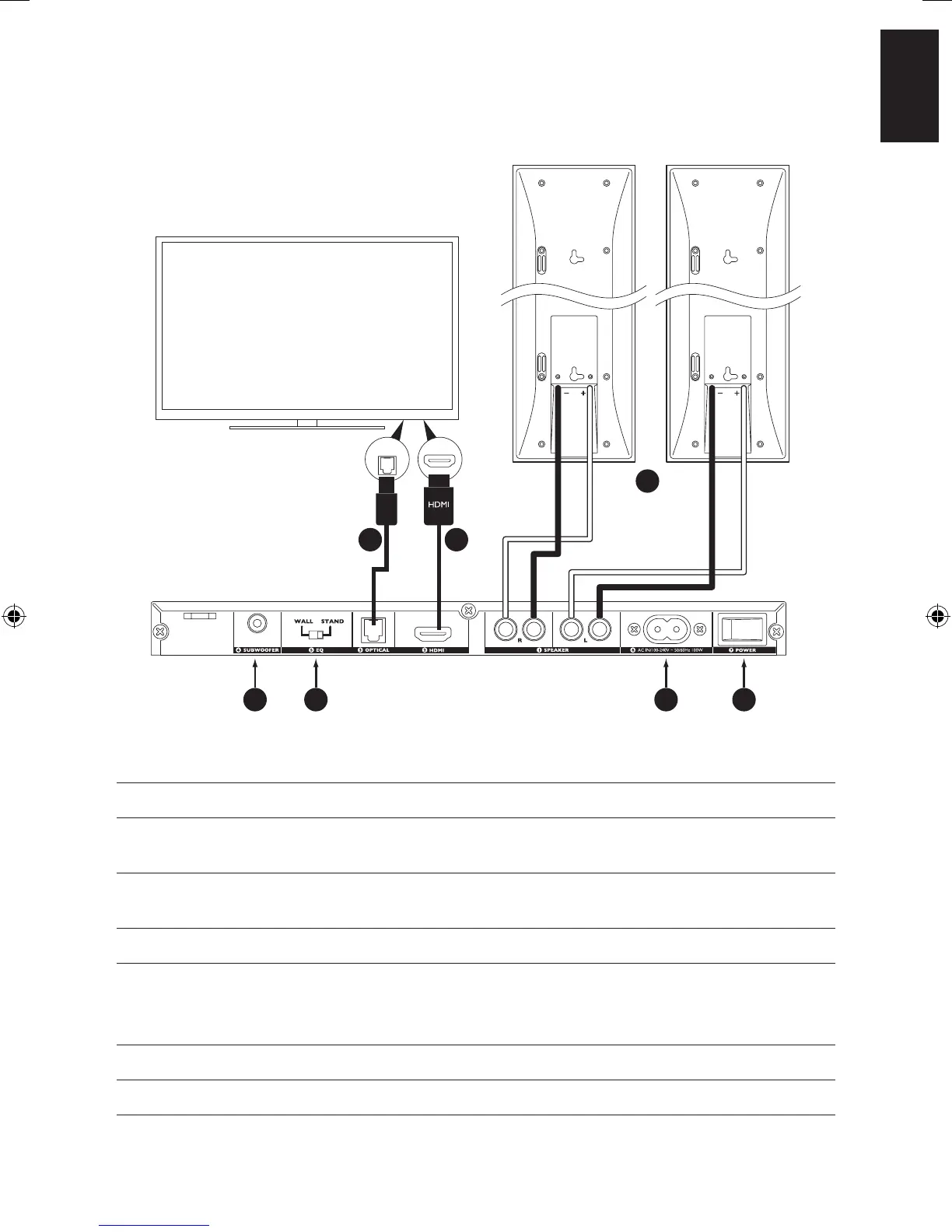
Steps Connection Instruction
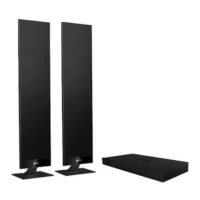
1 Speaker terminal Connect V300 L/R Speakers
2 HDMI input Connect HDMI cable from TV (HDMI(ARC) terminal preferred*) to
V Series Activation Module
3 Optical input (Optional) Connect optical cable to TV (Skip this step if connected to TV
HDMI(ARC) terminal in step 2 already)
4 Subwoofer output (Optional) Connect Subwoofer to V Series Activation Module
5 Equalizer If V300 speakers are placed on desk/cabinet/floor stand – (placement
i & iii), choose [STAND]
If V300 speakers are wall mounted – (placement ii), choose [WALL]
6 Power Socket Connect V Series Activation Module to power
7 Power Switch Power on V Series Activation Module
*Make sure HDMI-ARC is enabled on your TV (Please refer to your TV manufacturer’s manual).
OUT
1
23
4 5 6 7


 To Next Page