Need help?
Do you have a question about the Keller dv-2 and is the answer not in the manual?
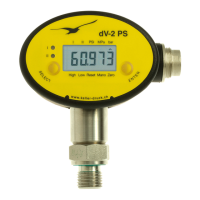
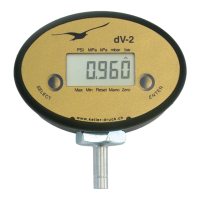
Details the steps to power on the dV-2 instrument and initial display indicators.
Explains how to switch off the dV-2 instrument using the Enter key.
Describes how to view the maximum and minimum recorded pressure values.
Procedure to reset the maximum and minimum pressure readings.
Explains manual mode activation and setting the zero point.
Details the automatic turn-off function and continuous operation mode.
Guide to selecting and activating desired pressure units (bar, mbar, kPa, MPa, PSI).
 General
| Housing material | Stainless steel |
|---|---|
| Protection Class | IP65 |
| Output signal | 4...20 mA, 0...10 V |
| Pressure Connection | G¼ |
| Electrical Connection | cable |

 To Next Page