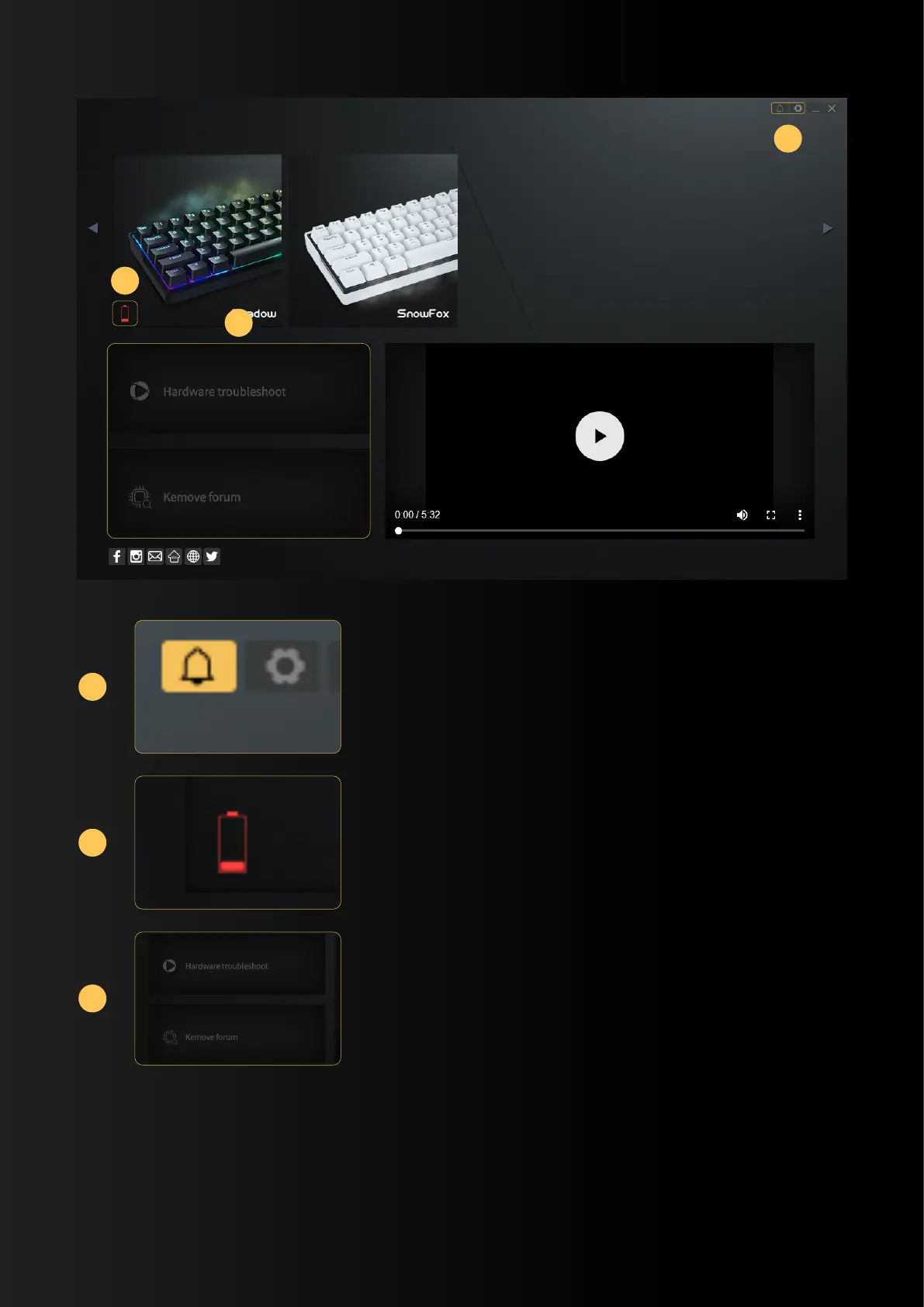
If there is a new version, the icon will be yellow.
After clicking, a window pops up,Then click "Update",
and restart the software after the update is completed.
Connect the USB interface after the power switch
is turned on, switch to the wired mode, and it will
grab the power (currently in the testing stage)
In the testing stage
2
3
1
1
2
3


 To Next Page