61
Copyright © 2000 - 2005 KEMP Technologies, Inc. All Rights Reserved.
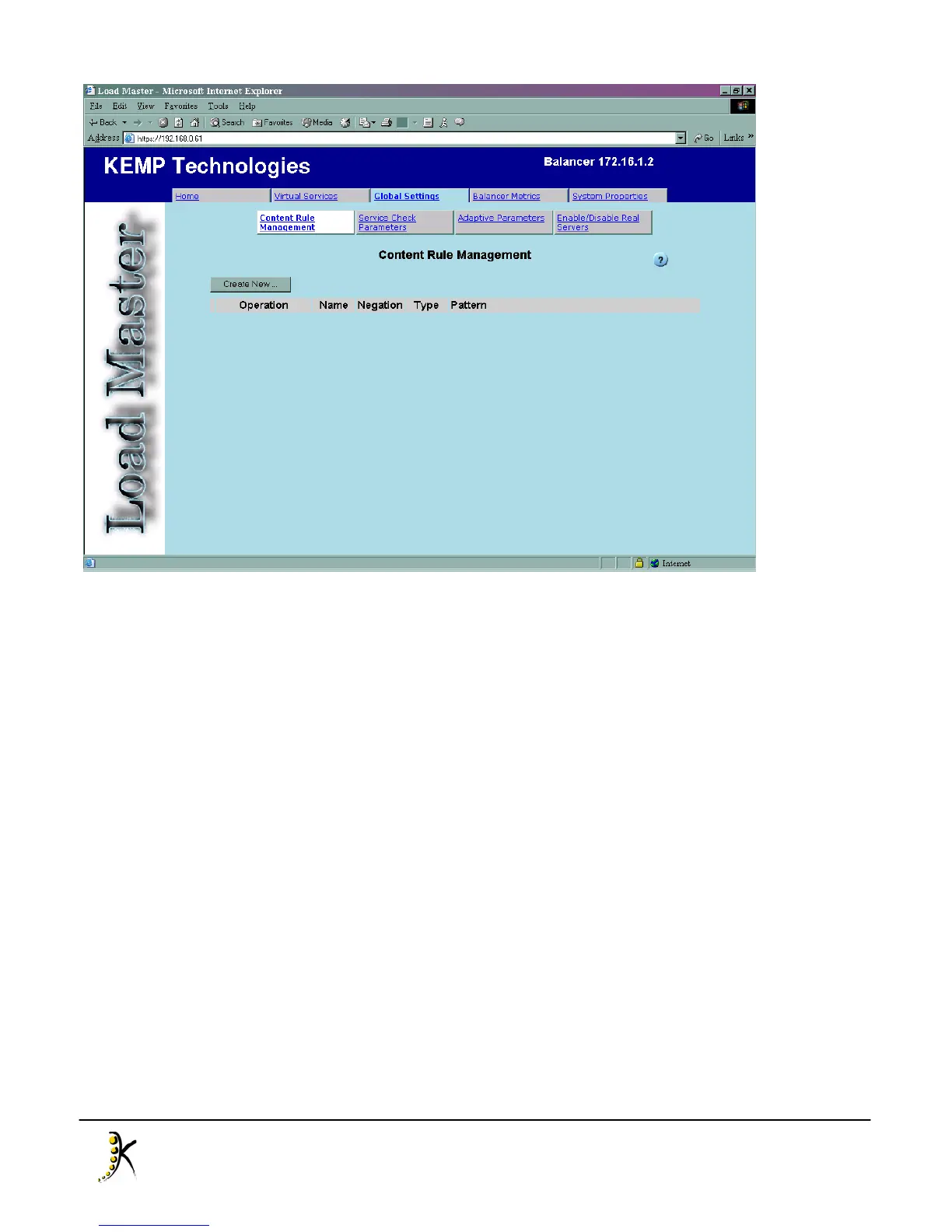
To create a new content rule, click “Create New...” to open the rule creation page. There are five parameters
that can be set for a rule, but only “Rule Name”, “Rule Type” and “Match String” are mandatory and for the
purposes of this example we will not use the other two, “Include Host in URL” and “Negation”. In the “Rule
Name” field, enter the name by which the rule should be known. In this case we will call our rule “TestRule”.
Next, select the type of rule: Prefix, Postfix or Regular Expression. A description of these rule types may be
found in the next chapter, and in this example we will choose “Postfix”. Finally, enter the text string that the
balancer will attempt to match, in this example we will enter “jpg”, so we will perform content switching on
requests for JPEG graphics. Click “Commit” to finish and return to the “Content Rule Management” page,
where the rule just created should be listed.



 To Next Page