45
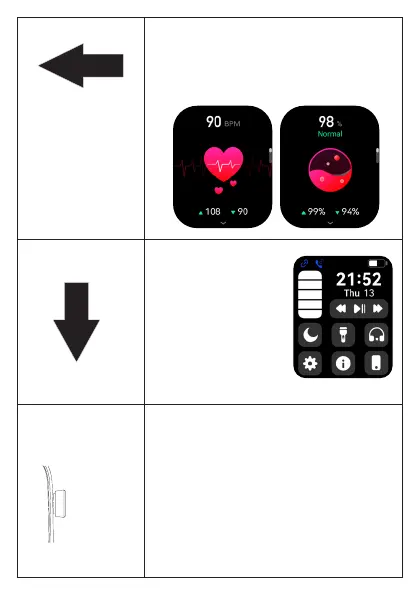
Swiping the illuminated watch face from right
to left will display steps, indicative heart rate,
indicative oxygen level, sleep, weather, sports
overview and music available.
Swipe down from the top
to access the quick menu.
Here you can set the do
not disturb mode,
brightness and other
settings including the
mobile phone search &
torch function etc.
Press-button on
the side of the
watch
• Press and hold for 5 seconds to turn on
or off.
• Press the button again for about 1 second to
enter the menu when the watch is turned on.
• Press the button briefly to return to the
watch face display. Once the watch face
lights up, you can navigate the watch
display.



 To Next Page