STITCH WIDTH CONTROL
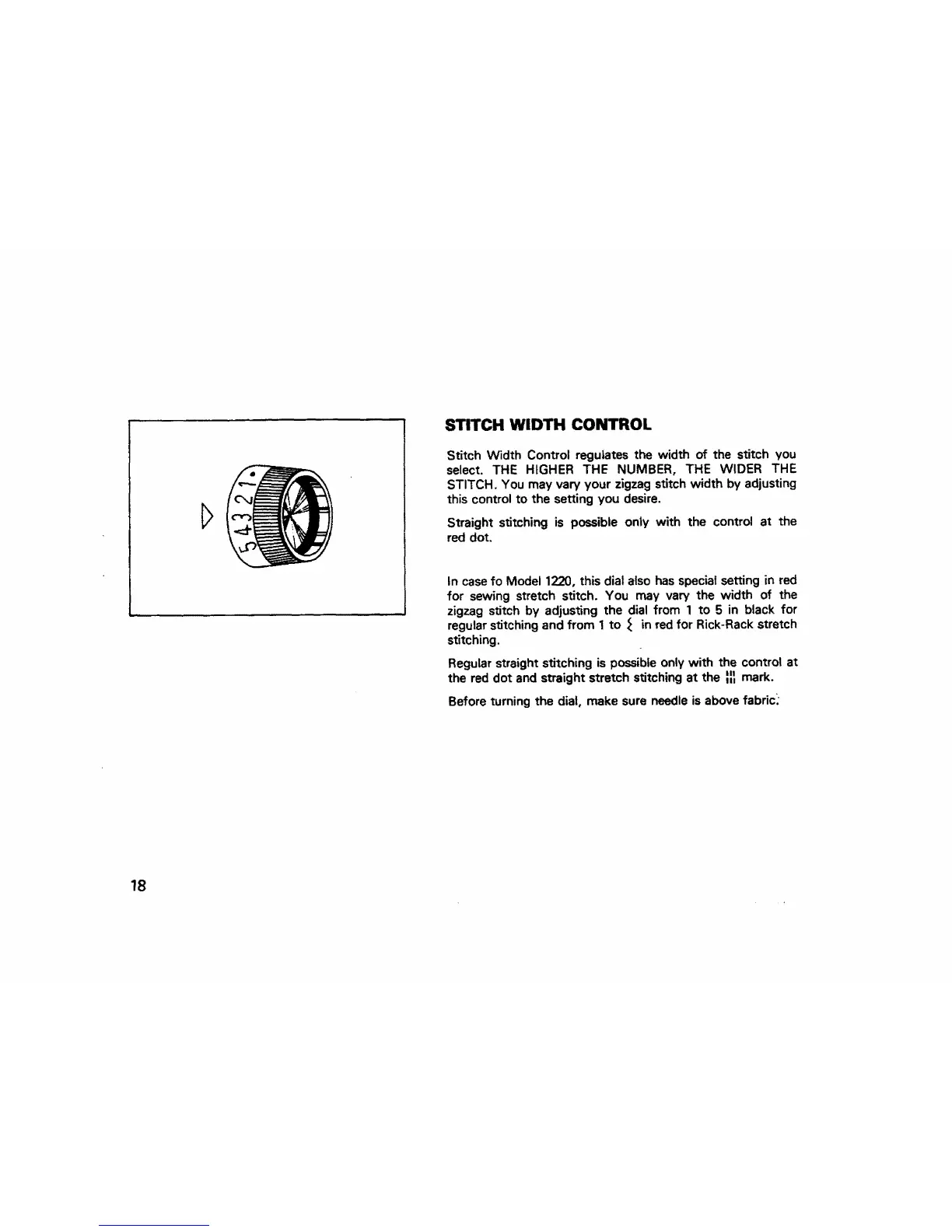
Stitch Width Control regulates the width of the stitch you
select. THE HIGHER THE NUMBER, THE WIDER THE
STITCH. You may vary your zigzag stitch width by adjusting
this control to the setting you desire.
Straight stitching is possible only with the control at the
red dot.
In case fo Model 1220, this dial also has special setting in red
for sewing stretch stitch. You may vary the width of the
zigzag stitch by adjusting the dial from 1 to 5 in black for
regular stitching and from 1 to _ in red for Rick-Rack stretch
stitching.
Regular straight stitching is possible only with the control at
the red dot and straight stretch stitching at the _ mark.
Before turning the dial, make sure needle is above fabric_
18



 To Next Page