,
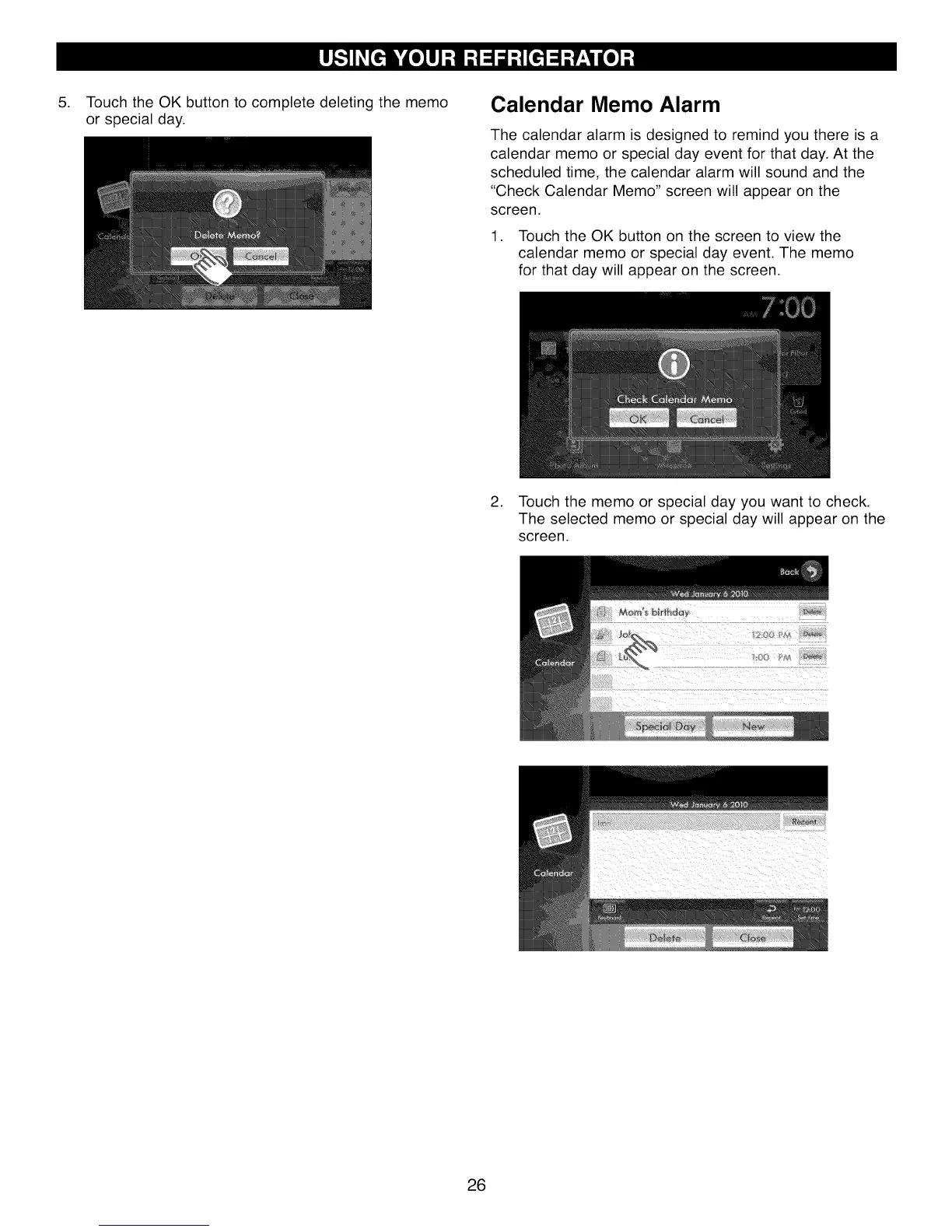
Touch the OK button to complete deleting the memo
or special day.
Calendar Memo Alarm
The calendar alarm is designed to remind you there is a
calendar memo or special day event for that day. At the
scheduled time, the calendar alarm will sound and the
"Check Calendar Memo" screen will appear on the
screen.
1. Touch the OK button on the screen to view the
calendar memo or special day event. The memo
for that day will appear on the screen.
2. Touch the memo or special day you want to check.
The selected memo or special day will appear on the
screen.
26




 To Next Page