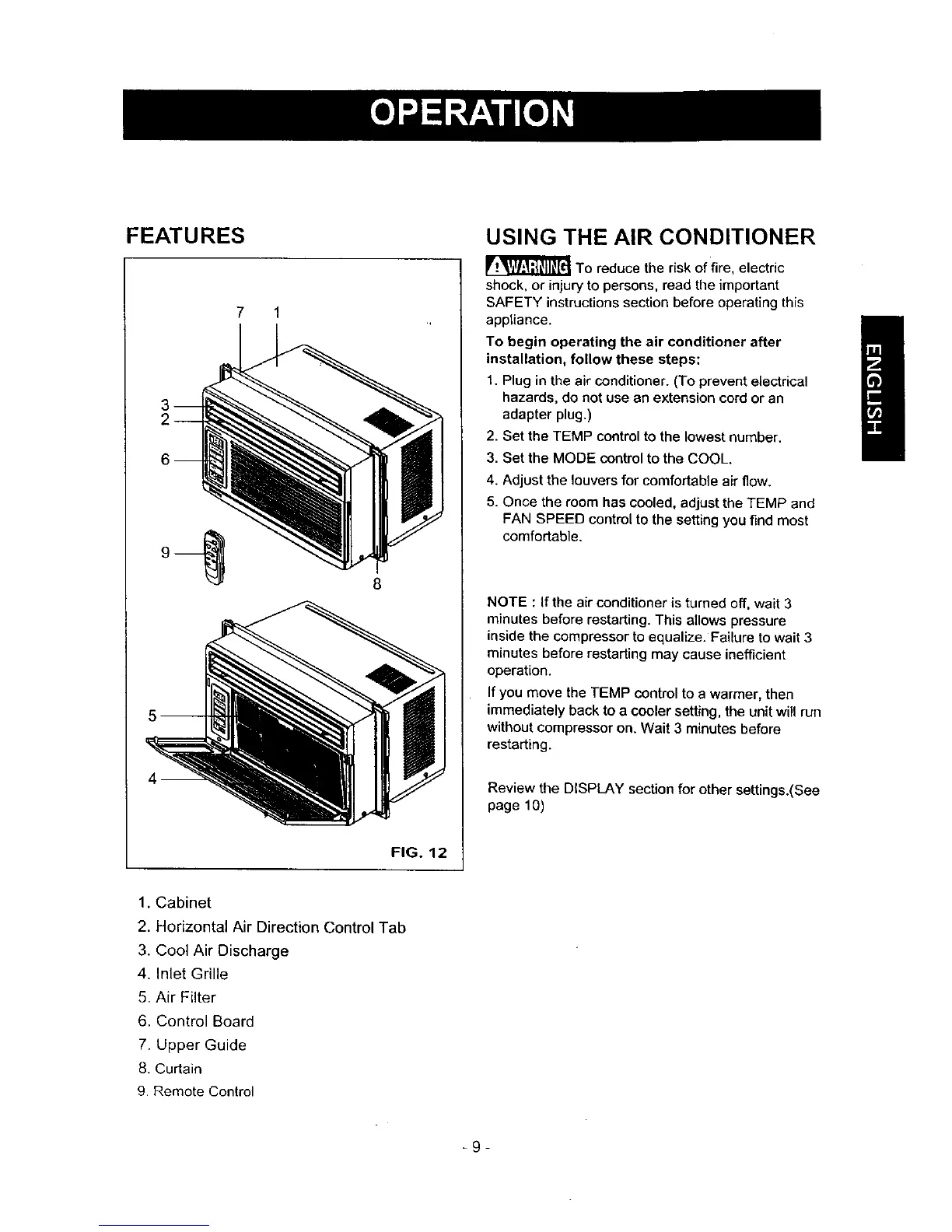
FEATURES
7 1
8
USING THE AIR CONDITIONER
_To reduce the risk of fire, electric
shock, or injury to persons, read the important
SAFETY instructions section before operating this
appliance.
To begin operating the air conditioner after
installation, follow these steps:
t. Plug in the air conditioner. (To prevent electrical
hazards, do not use an extension cord or an
adapter plug.)
2. Set the TEMP control to the lowest number.
3. Set the MODE control to the COOL.
4. Adjust the louvers for comfortable air flow.
5. Once the room has cooled, adjust the TEMP and
FAN SPEED control to the setting you find most
comfortable.
NOTE : If the air conditioner is turned off, wait 3
minutes before restarting. This allows pressure
inside the compressor to equalize. Failure to wait 3
minutes before restarting may cause inefficient
operation.
If you move the TEMP control to a warmer, then
immediately back to a cooler setting, the unit will run
without compressor on. Wait 3 minutes before
restarting.
Review the DISPLAY section for other settings.(See
page 10)
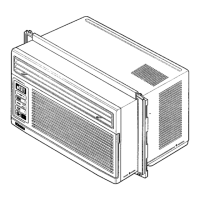
FIG. 12
1. Cabinet
2. Horizontal Air Direction Control Tab
3. Cool Air Discharge
4. Inlet Grille
5. Air Filter
6. Control Board
7. Upper Guide
8. Curtain
9. Remote Control
_9-



 To Next Page