INSTALLATION INSTRUCTIONS
SET THE TIME OF DAY
NOTE: You will need to set the Time of Day when you first plug in your oven and when the power comes on after
a power interruption. (See also the "Quick Reference Chart" for Time of Day setting instructions.)
Touch STOP/CLEAR.
Touch TIME OF DAY.
Touch the numbers for the time.
Touch TIME OF DAY.
INSERT THE GREASE FILTERS
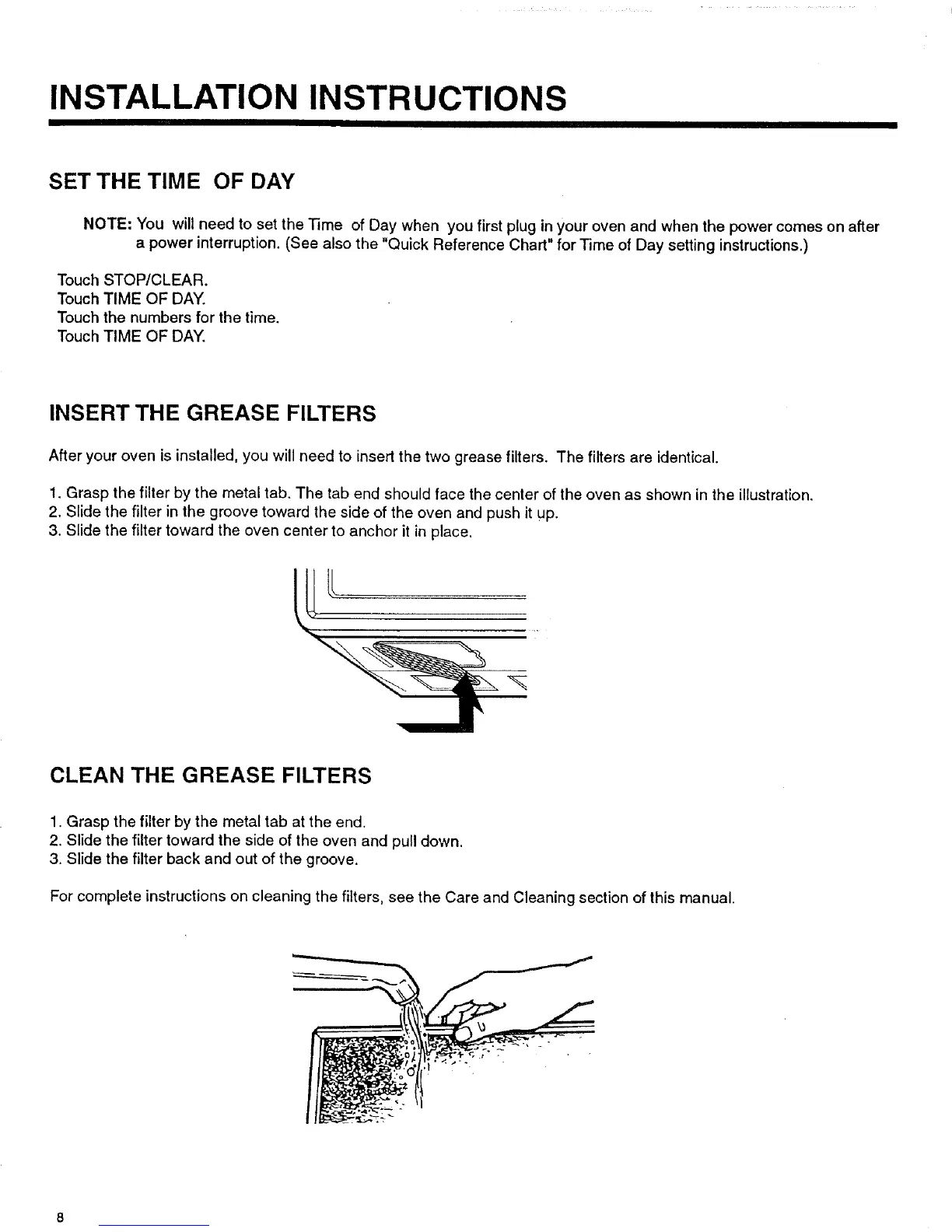
After your oven is installed, you will need to insert the two grease filters. The filters are identical.
1. Grasp the filter by the metal tab. The tab end should face the center of the oven as shown in the illustration.
2. Slide the filter in the groove toward the side of the oven and push it UP.
3. Slide the filter toward the oven center to anchor it in place.
CLEAN THE GREASE FILTERS
1. Grasp the filter by the metal tab at the end.
2. Slide the filter toward the side of the oven and pull down.
3. Slide the filter back and out of the groove.
For complete instructions on cleaning the filters, see the Care and Cleaning section of this manual.



 To Next Page