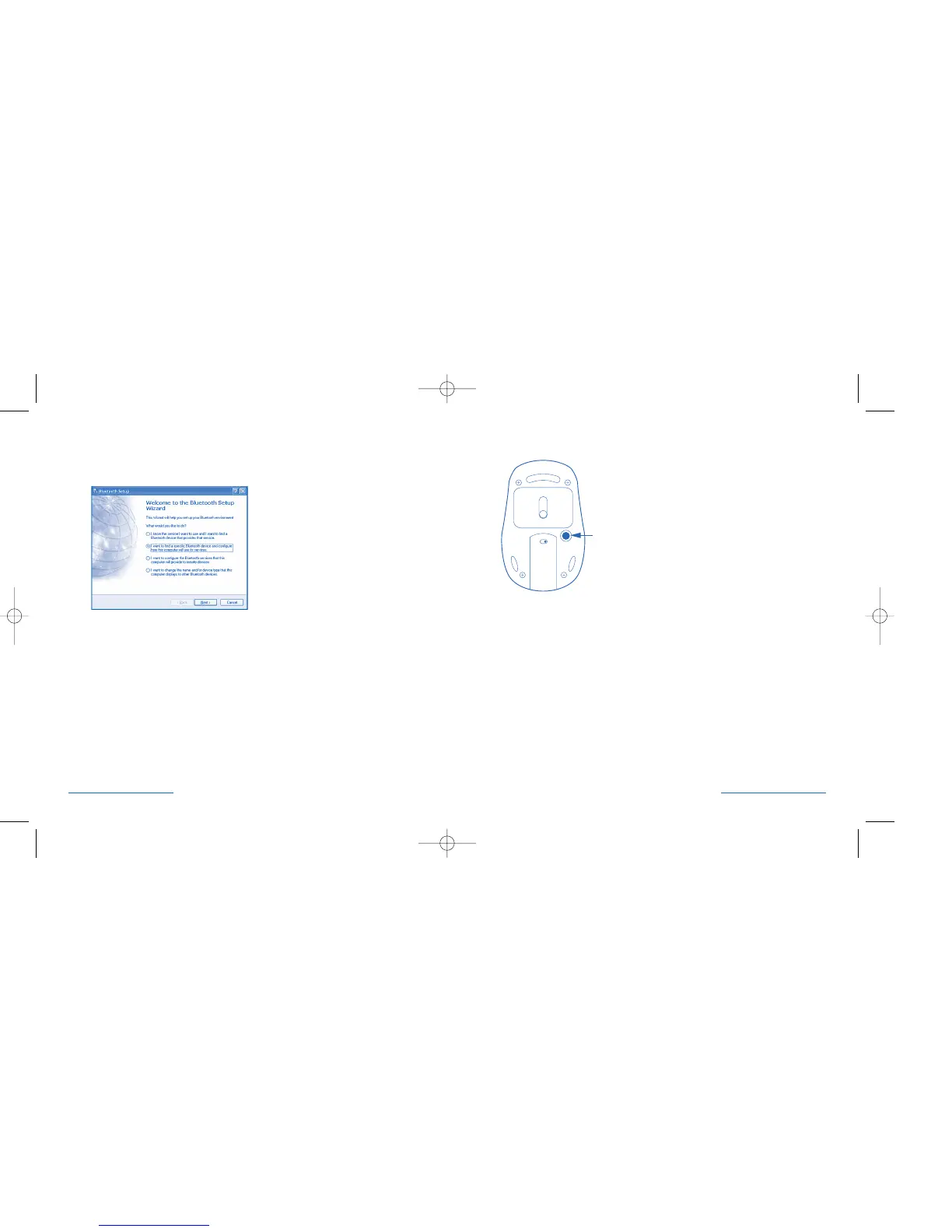
Activating Discover Mode
Press the discover button (1) on the bottom of the mouse.
Bluetooth® Setup
If the Bluetooth® software does not provide these options for setting up
a Bluetooth® device, consult the Bluetooth® software manual.
Select the second option:
“I want to find a specific Bluetooth® Device and configure how this computer
will use its services.”
Click the next button
6 • PilotMouse Bluetooth® Mini PilotMouse Bluetooth® Mini • 7


 To Next Page