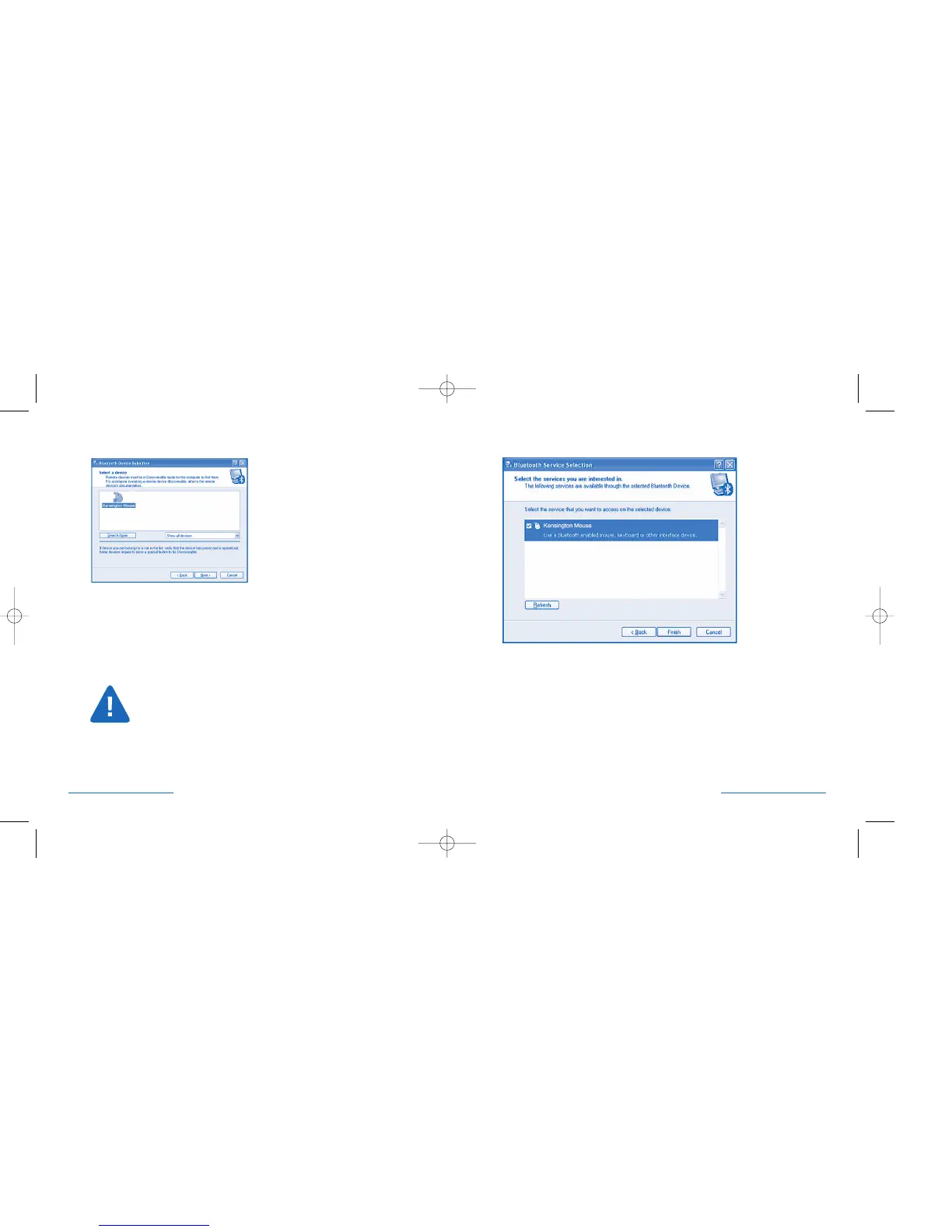
Bluetooth® Service Selection
Check the box next to the mouse icon.
Click Finish.
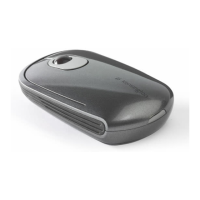
The PilotMouse Bluetooth® Mini should begin working immediately.
If not, try following the steps in the Troubleshooting section.
PilotMouse Bluetooth® Mini • 9
Bluetooth® Device Selection
Select the mouse icon labeled Kensington Mouse.
If this icon is not shown, make sure that the mouse is in discover mode,
and click on Search Again. Place the mouse close to the Bluetooth® adapter,
or if using built-in Bluetooth,® close to the computer. You may also want to
select Show Mice and Keyboards instead of Show all devices, from the drop
down menu.
Click Next.
If your mouse still isn’t recognized, ensure your batteries are inserted
correctly. Try removing the batteries and re-inserting them to reset
the mouse.
8 • PilotMouse Bluetooth® Mini
72414_PMBlueMini 11/23/04 12:00 PM Page 8


 To Next Page