
 Need help?
Do you have a question about the Kenwood DNX9210BT and is the answer not in the manual?
Crucial warnings to prevent injury or fire, including precautions for metallic objects and display usage.
Explains how to play various media types like CDs, USB devices, and iPods.
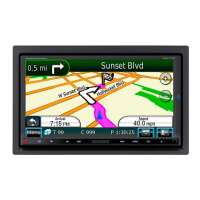
Explains how to use the navigation system, including displaying the screen and controlling audio.
Guides through the initial setup process when using the unit for the first time or after reset.
Details basic operations for DVD and VCD playback using source and playback screens.
Explains basic operations for music, video, and picture files from various sources.
Details basic operations for radio reception and control using the source control screen.
Explains basic operations for TV reception and control using the source and TV screens.
Details the process of registering and connecting Bluetooth audio players or cell-phones to the unit.
Guides on using the telephone function by connecting a Bluetooth telephone for making/receiving calls.
Explains how to perform basic Bluetooth audio playback operations using simple and list control screens.
Enables setting navigation parameters such as speaker selection for voice guidance and volume.
Guides on setting up a security code to protect the receiver system against theft.
Covers various system settings, including user interface, security, and memory setup.
Lists common problems and their solutions for unit malfunctions and misoperations.
Resets the unit to factory settings if it or a connected unit fails to operate properly.
Explains common error messages displayed on the screen and their corresponding causes and solutions.
Allows manual adjustment of equalizer settings for each frequency bar.
Adjusts volume balance, volume offset, subwoofer level, and bass boost.
Allows setting sound effects like Space Enhancer and Highway Sound.
Selects different audio sources for front and rear positions, enabling dual zone playback.

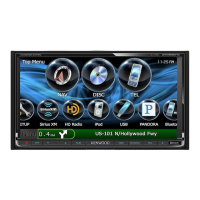
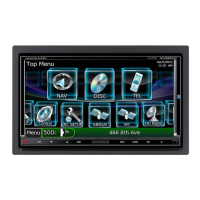
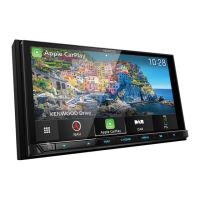
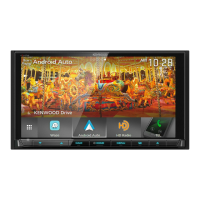

 To Next Page

 General