14
kitchen timer
While the microwave is operating or not in use, this feature allows you to use the microwave as a
timer.
To set the kitchen timer, follow the steps below.
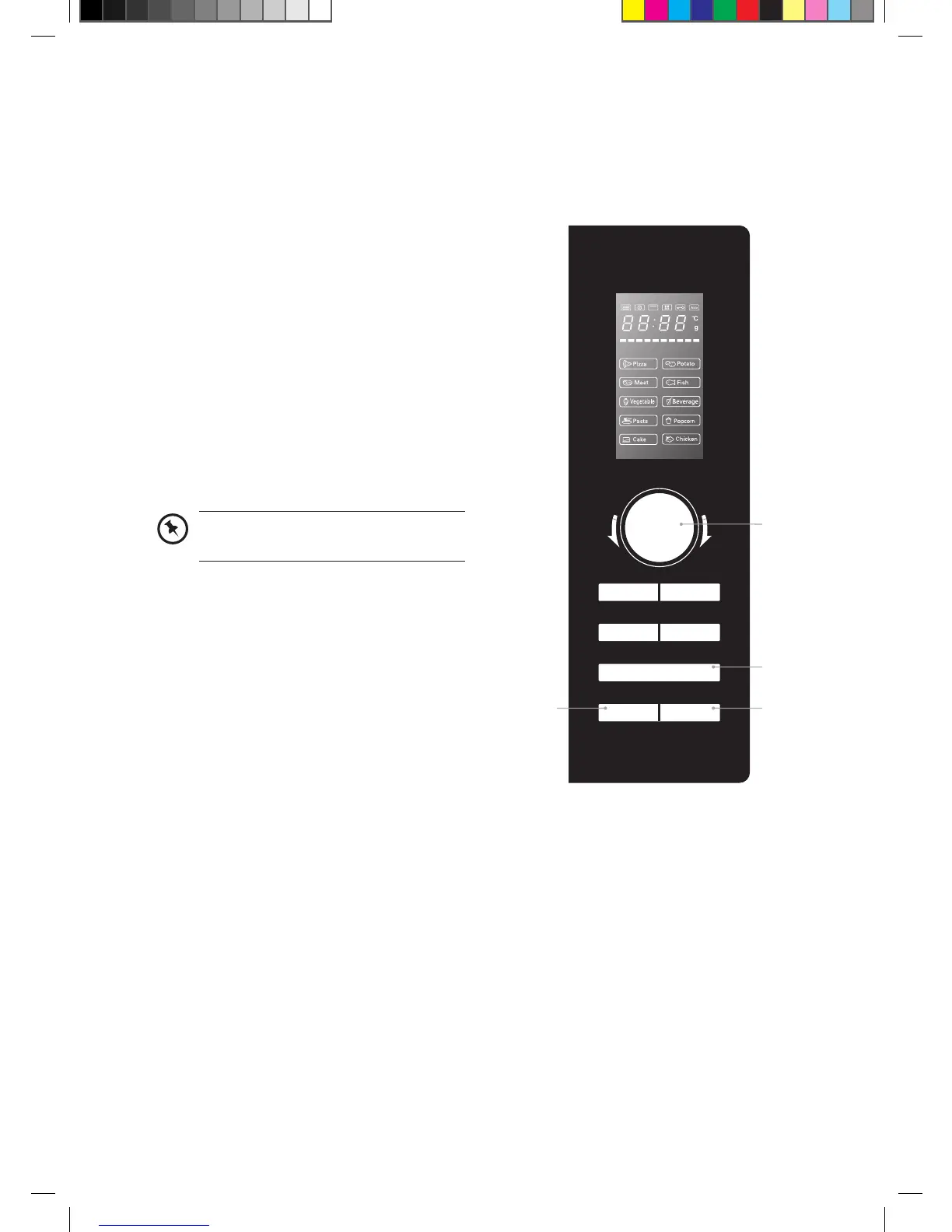
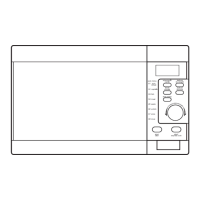
1. Press the clock/kitchen timer button
twice. The LED display will show “00:00”.
2. Turn the timer/weight/auto menu dial to
select the timer time.
3. Press the start/+30sec/confirm button to
confirm the setting.
4. Once the elapsed time is reached, the
microwave will beep 5 times and return to
its original state.
5. Press the stop/clear button to cancel the
timer.
When the kitchen timer is running,
programmes cannot be set.
t
i
m
e
r
•
w
e
i
g
h
t
•
a
u
t
o
m
e
n
u
convection
weight/time
defrost
start/
+30sec/confirm
clock/
kitchen timer
stop/clear
microwave
grill/
combination
3
2
51
K23CSS12_IB_ final_RC120531.indd 14 31/05/2012 10:42 AM


 To Next Page