Need help?
Do you have a question about the Kenwood KDC-X400 and is the answer not in the manual?
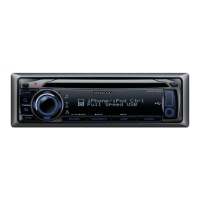
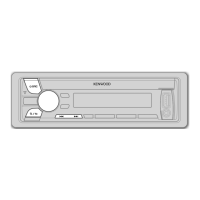
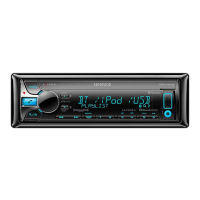
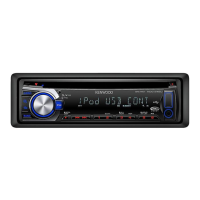
Description of the unit's front panel controls and the remote control functions.
Key operations like turning on/off, adjusting volume, selecting sources, resetting, and battery replacement.
Steps to cancel the demo, set the clock, and configure initial system settings.
Methods for finding stations, direct access tuning, and frequency step adjustment.
Guidance on selecting specific tracks or files from various media sources.
Solutions for no sound, power, "PROTECT", and disc errors.
Troubleshooting poor radio reception, USB errors, and Pandora issues.
Steps for installing the unit into the dashboard and removing it.
 General
| Power Output (RMS) | 22W x 4 |
|---|---|
| Maximum Output Power | 50W x 4 |
| Tuner | AM/FM |
| Bluetooth | Yes |
| USB Input | Yes |
| Display Type | LCD |
| Compatible Formats | MP3, WMA, AAC |
| CD Playback | Yes |
| AUX Input | Yes |
| Remote Control | Yes |
| Subwoofer Control | Yes |
| Detachable Faceplate | Yes |
| Type | Single DIN |
| EQ | 13-band |

 To Next Page