EasyManua.ls Logo

Kenwood KVC30 - User Manual

Kenwood KVC30
25 pages
Print Icon
To Next Page IconTo Next Page
Loading...
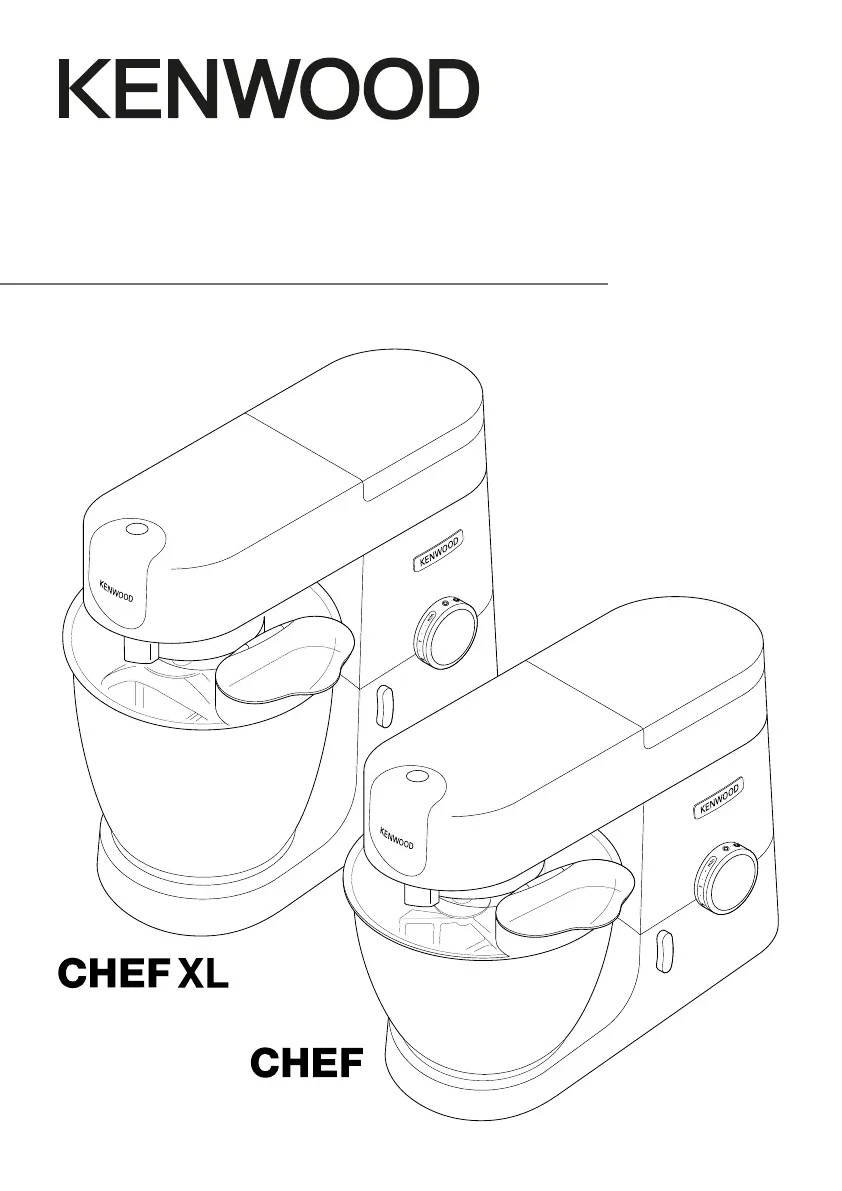
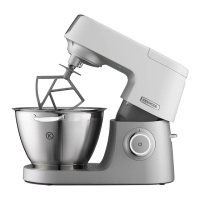
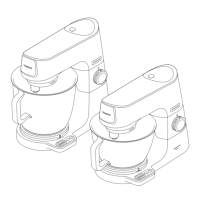
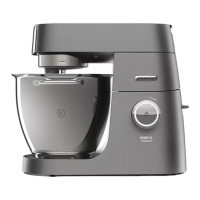
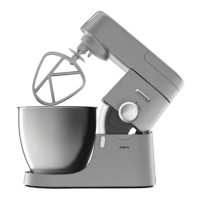
TYPE KVC30 (Chef)
TYPE KVL40 (Chef XL)
instructions

Questions and Answers

  • D
    David BrownJul 27, 2025
    What to do if my Kenwood Mixer stops during operation?
    • E
      Edward NelsonJul 27, 2025
      If your Kenwood Mixer stops during operation, it may be due to overload protection or the overheat system being activated, possibly because the maximum capacity has been exceeded. First, unplug the mixer and check for any obstructions or overloading. Turn the speed control to “O” and then restart. If it doesn't work, reduce the ingredients to lighten the load and try again. If the issue persists, unplug the mixer and let it stand for 15 minutes, then plug it back in and reselect the speed. If the mixer still doesn't restart, no answer.
  • B
    Bill EllisAug 3, 2025
    How to adjust Kenwood Mixer beater height?
    • M
      matthew79Aug 3, 2025
      If the whisk or K-beater on your Kenwood Mixer knocks against the bottom of the bowl or doesn't reach the ingredients, it's likely that the tool is at the wrong height and needs adjustment. Adjust the height using a suitable spanner – see “Tool Adjustment” section.
  • S
    Stephanie SchmidtAug 8, 2025
    Why can't I fit the slow speed attachment on my Kenwood Mixer?
    • K
      knoxjocelynAug 8, 2025
      To fit the slow speed attachment on your Kenwood Mixer, ensure that the attachment has the KAX twist connection system to fit the outlet. If your attachments feature the Bar Connection System, you’ll need to use the KAT002ME adapter to connect them to the Twist Connection System. For more information visit www.kenwoodworld.com/twist.
  • A
    Alisha HooverAug 14, 2025
    What to do if my Kenwood Kitchen Appliance stops during operation?
    • N
      Nicole PhillipsAug 14, 2025
      If your Kenwood Kitchen Appliance stops during operation, it's likely due to the overload protection or overheat system being activated, possibly because the maximum capacity has been exceeded. To resolve this, unplug the appliance and check for any obstructions or overloading. Turn the speed control to “O” and then restart. If it doesn't work, remove some ingredients to reduce the load and try again. If the issue persists, unplug the appliance and let it stand for 15 minutes before plugging it back in and reselecting the speed. If the machine still doesn’t restart following the above procedure contact “customer care” for further advice.
  • R
    ryanmunozAug 20, 2025
    How to adjust Kenwood Kitchen Appliances if the whisk or K-beater knocks against the bowl?
    • K
      Kenneth ChavezAug 20, 2025
      If the whisk or K-beater of your Kenwood Kitchen Appliance knocks against the bottom of the bowl or doesn't reach the ingredients, it means that the tool height is incorrect and needs adjustment. You can adjust the height using a suitable spanner – see “Tool Adjustment” section.

Summary

Know Your Kenwood Stand Mixer

Safety

Crucial safety instructions for correct and safe operation of the appliance.

Before Plugging In

Plug and Fuse Information

Details concerning electrical connections, fuse replacement, and plug safety.

Mixer Key

Diagram and list identifying the main parts and outlets of the stand mixer.

Bowl Tools and Their Uses

Optional Attachments

Information on the range of optional attachments and compatibility.

Splashguard and Tool Adjustment

Splashguard Usage

Instructions for fitting and using the splashguard for adding ingredients.

Tool Adjustment

Guide to adjusting the height of K-beater and Whisk for optimal bowl performance.

Care and Cleaning

Service and Customer Care

Product Disposal Information

Troubleshooting Guide

Kenwood KVC30 Specifications

General IconGeneral
Power1000 W
Bowl Capacity4.3 L
Capacity4.3 L
Bowl MaterialStainless steel
Electronic Speed ControlYes
Pulse FunctionYes
Planetary Mixing ActionYes
Blade MaterialStainless steel

Related product manuals