EasyManua.ls Logo

Kenwood KVL80 - User Manual

Kenwood KVL80
219 pages
Print Icon
To Next Page IconTo Next Page
Loading...
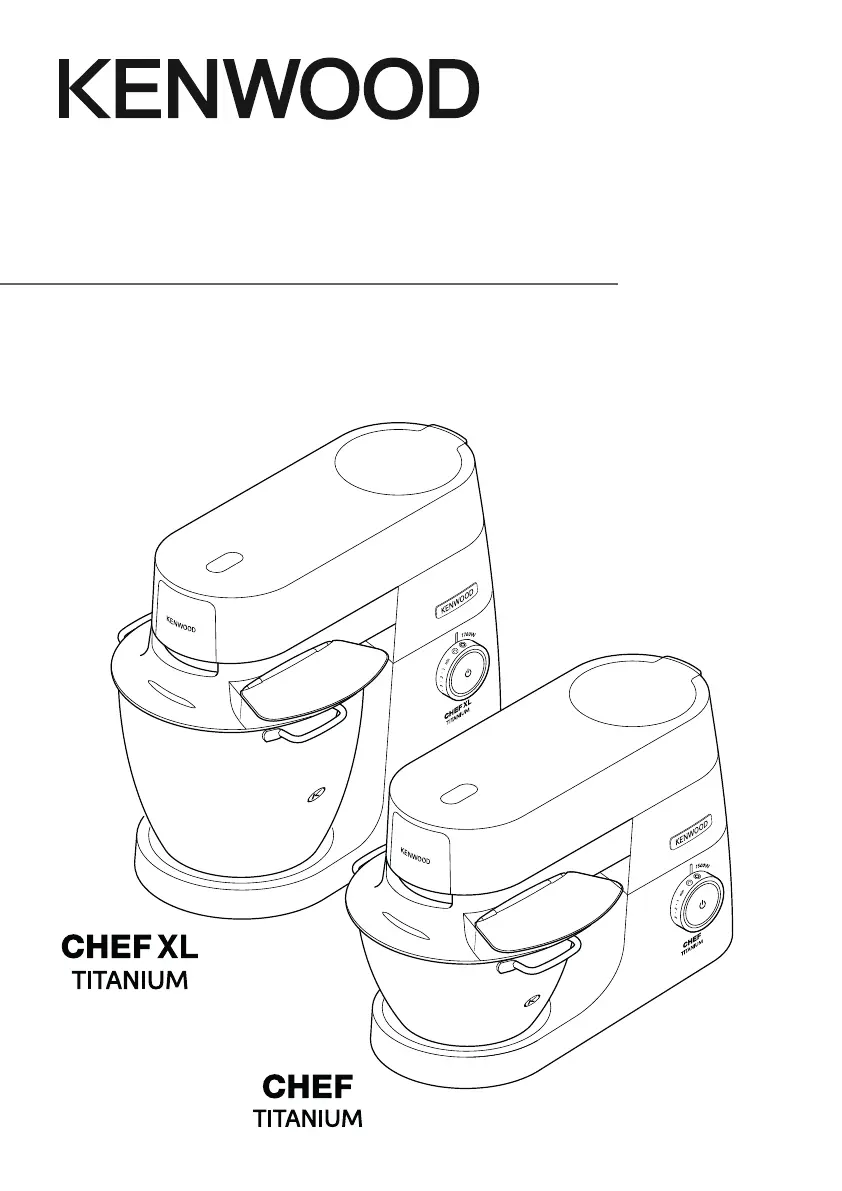
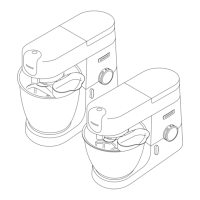
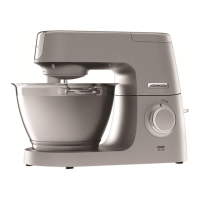
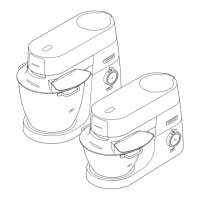
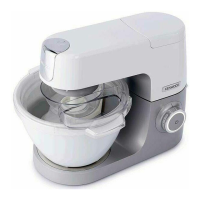
TYPE: KVC70 (Chef)
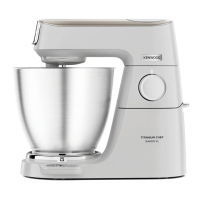
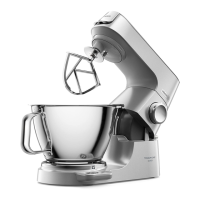
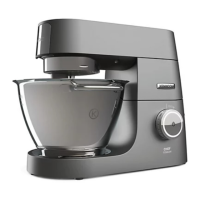
TYPE: KVL80 (Chef XL)
instructions
istruzioni
instrucciones
Bedienungsanleitungen
gebruiksaanwijzing
Instrukcja obsługi
instruções

Questions and Answers

  • S
    smithericJul 29, 2025
    What to do if my Kenwood KVL80 Kitchen Appliances stops and the standby light is flashing?
    • C
      cnolanJul 29, 2025
      If your Kenwood Kitchen Appliances stops during operation and the standby light flashes rapidly, it indicates that the overload protection or overheat system has been activated, or the maximum capacity has been exceeded. Unplug the appliance and check for any obstructions or overloading. Turn the speed control to 'O' and then restart. If it still won't operate, remove some ingredients to reduce the load and restart. If the problem persists, unplug the machine and let it stand for 15 minutes before plugging it back in and reselecting the speed. If it still doesn't restart, contact customer care.
  • S
    Selena MillerAug 4, 2025
    Why is the standby light flashing on my Kenwood KVL80 Kitchen Appliances when I plug it in?
    • C
      Christina McintoshAug 4, 2025
      If the standby light is flashing when your Kenwood Kitchen Appliances is first plugged in, it means that the speed control is not in the ‘O’ position, or the mixer head is in the raised position or not locked down correctly. To resolve this, check that the speed control is in the ‘O’ position and ensure that the Kitchen Machine head is locked down correctly.
  • L
    Lisa JohnsonAug 11, 2025
    How to adjust a Kenwood KVL80 Kitchen Appliances beater that knocks the bowl?
    • S
      Stephanie FrancoAug 11, 2025
      If the whisk or K-beater knocks against the bottom of the bowl or does not reach the ingredients in the bottom of the bowl, the tool is at the wrong height and needs adjusting. Adjust the height using a suitable spanner – see “Tool Adjustment” section.
  • J
    Jennifer LopezAug 16, 2025
    Why is the standby light off on my Kenwood KVL80?
    • C
      cooperjaimeAug 16, 2025
      If the standby light is off while your Kenwood Kitchen Appliances is plugged in, it means the machine has been left plugged in for more than 30 minutes without being operated and has entered Standby mode. Press the Standby button once to reset it.
  • J
    Jeremy HigginsAug 23, 2025
    What to do if slow speed attachment cannot be fitted to Kenwood KVL80 Kitchen Appliances?
    • E
      Elizabeth ReedAug 23, 2025
      If a slow speed attachment cannot be fitted, first check that your attachment is compatible with your model. The attachment must have the KAX twist connection system to fit the outlet. If you own attachments featuring the Bar Connection System, you will need to use the KAT002ME adapter to connect these to the Twist Connection System on your Kitchen Machine.

Summary

The bowl tools and some of their uses

Tool Adjustment

Adjusting K-beater and Whisk Height

Instructions for adjusting the height of K-beater and Whisk tools.

Adjusting K-beater, Whisk, and Kneading Tools

Instructions for adjusting and setting the tools for optimal use.

Care and Cleaning

Cleaning Guidelines

Guidelines for cleaning different parts of the stand mixer.

Cleaning Mixer Components

Guidelines for cleaning the mixer, bowl, and various attachments.

Service and Customer Care

Troubleshooting and Support

Information on obtaining assistance and locating authorized service centers.

Troubleshooting Guide

Problem Resolution

Guide to identify and resolve common problems with the stand mixer.

Resolving Common Issues

Guide to identify and resolve common problems with the kitchen robot.

Problem and Solution Guide

Guide to identify and resolve common problems.

Bowl Tools and Operation

Service and Maintenance

Using Your Kenwood Kitchen Machine

Safety Precautions

Essential safety instructions for operating the kitchen machine.

Beaters and Attachments

Know Your Kenwood Kitchen Robot

Safety Instructions

Essential safety instructions for operating the kitchen robot.

Bowl Tools and Usage

Kenwood KVL80 Specifications

General IconGeneral
BrandKenwood
ModelKVL80
CategoryKitchen Appliances
LanguageEnglish

Related product manuals