EasyManua.ls Logo

Kenwood MultiPro Express Weigh+ - User Manual

Kenwood MultiPro Express Weigh+
38 pages
Print Icon
To Next Page IconTo Next Page
Loading...
Instructions
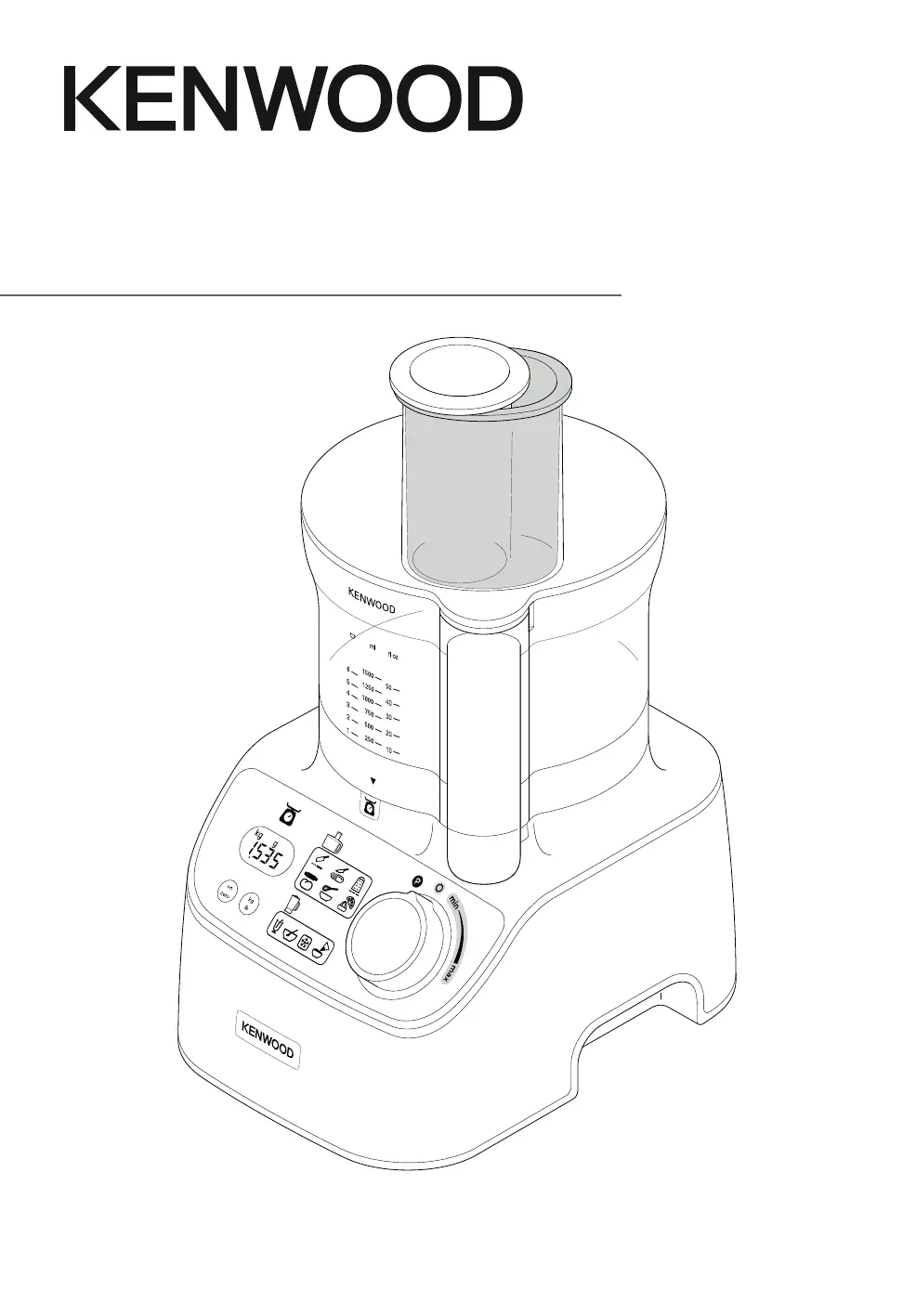
MultiPro Express Weigh
+
TYPE FDM71

Questions and Answers

  • C
    Cynthia BallardJul 28, 2025
    Why is my Kenwood Food Processor not working?
    • A
      Angela LangJul 29, 2025
      If the Kenwood Food Processor is not operating, first, ensure it is plugged in and the bowl is correctly located with the handle towards the right front corner. Also, verify that the lid interlock is correctly located into the handle area, as it won't work if the bowl and lid are fitted incorrectly. Finally, make sure the detachable drive shaft is fitted onto the power unit before fitting the bowl, as the bowl tools and attachments will not operate without it.
  • K
    Kara GreenAug 3, 2025
    What to do if my Kenwood Food Processor stops during processing?
    • B
      Betty WilliamsAug 3, 2025
      If the Kenwood Food Processor stops during processing, it might be overloaded or exceeding maximum capacities. Check the recommended usage chart for maximum capacities. Also, ensure the lid is locked correctly.
  • S
    Shannon PetersonAug 9, 2025
    How to turn on the display screen on Kenwood Food Processor?
    • R
      revansAug 9, 2025
      If the display screen of your Kenwood Food Processor is turned off, ensure the power unit is plugged in. If the same weight reading is shown for 5 minutes, press the ON/ZERO button once to light it up. Also, do not exceed the maximum weighing capacity of 3Kg, as overloading the weighing function can cause the display to turn off.
  • G
    Gabriel BarnesAug 15, 2025
    Why does the weight change on the display of my Kenwood MultiPro Express Weigh+ Food Processor?
    • A
      Andres MorganAug 15, 2025
      If the weight changes on the display of your Kenwood Food Processor, it might be because the power unit was moved during operation. Always place the processor on a dry, flat surface before weighing. Avoid moving the power unit while weighing and zero the display before weighing the next ingredients.
  • N
    nicole71Aug 21, 2025
    What to do if the Kenwood Food Processor weighing function freezes?
    • L
      lopezmelanieAug 22, 2025
      Normal operation. Either zero the screen or replace the missing ingredients or refit the bowl/lid/attachment.

Summary

Getting Started with Your Food Processor

Key Components

Lists and identifies all parts of the food processor and its attachments.

Plug and Fuse Safety

Details on the power cord, plug, and fuse replacement for safe operation.

Initial Appliance Preparation

Initial steps to prepare the appliance, including blade cover removal and washing parts.

Important Safety Information

General Safety Guidelines

Covers handling sharp blades, hot ingredients, electrical safety, and unattended operation.

Appliance Usage Warnings

Highlights safety regarding interlocks, unauthorized attachments, children, and proper use.

Core Operations

Main Unit Assembly and Operation

Step-by-step guide on assembling and operating the main food processor unit.

Using the Integrated Weighing Feature

How to use the built-in weighing feature to measure ingredients accurately.

Using Attachments

Standard Attachments Guide

Lists and illustrates the standard accessories included with the food processor.

Optional Attachments Guide

Lists and illustrates accessories available for separate purchase.

Using Blades, Discs, and Whisks

Instructions for knife blade, dough tool, whisks, and slicing/grating discs.

Using Choppers, Mills, and Juicers

Guidance on using mini choppers, grinding mills, citrus juicers, and juice extractors.

Using Blender and Dice;Serve Attachments

Instructions for using blender jugs and Express Dice/Serve attachments for various tasks.

Performance and Troubleshooting

Recommended Usage Chart

Chart detailing optimal settings, times, and capacities for various functions and attachments.

Troubleshooting Common Issues

Solutions for common problems encountered during appliance operation.

Maintenance and Support

Appliance Care and Cleaning

Guidelines for cleaning the power unit, bowl, lid, and attachments.

Service and Customer Support

Information on how to get help, repairs, and spare parts for the appliance.

Kenwood MultiPro Express Weigh+ Specifications

General IconGeneral
Power1000W
Bowl Capacity3L
Integrated WeighingYes
Variable SpeedYes
Pulse FunctionYes
Dishwasher Safe PartsYes
Working Bowl Dry Capacity1.5kg
Liquid Working Capacity1.5L
Body MaterialPlastic
Weight5.4kg
MaterialMetal and Plastic
Included AccessoriesDough tool

Related product manuals