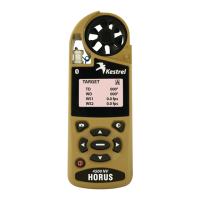
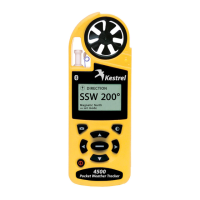
Kestrel
®
4000 Pocket Weather
®
Tracker
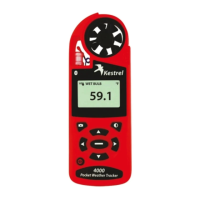
BACKLIGHT BUTTON Press
to activate backlight for
1 minute.
MODE BUTTONS
Press to change mode of
measurements: Current, Min/
Max/Avg, Chart.
COMMAND BUTTON In Chart
Screens, press to view data
points. In Setup Menus, press
to make selection.
MANUAL MEMORY
BUTTON Press to manually
store current conditions
to memory.
MEASUREMENT BUTTONS
Press to scroll between
screens: Date/Time,
Measurements, User
Dened Screens.
POWER/SETUP BUTTON
Hold to turn power on or
o. Press to enter and exit
Main Setup Menu.
FRONT


 To Next Page