6
Please visit www.kestrelinstruments.com/support/drop_support for more information.
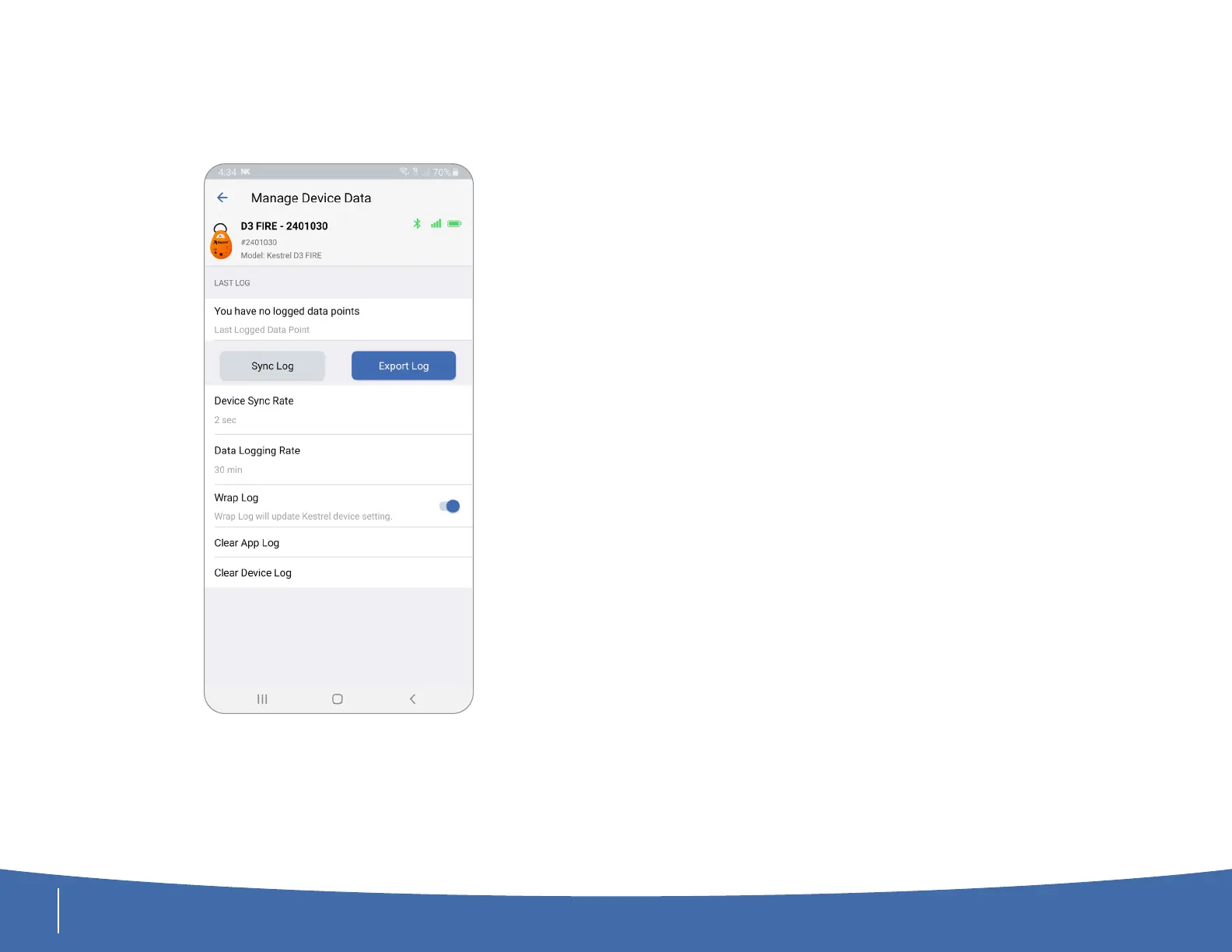
Uploading and Exporting your Data
From Manage Device Data Screen:
• Press Sync Log to manually upload all the data on the DROP.
• Press Export Log to export the data log as a CSV le.
• You can view and export all saved data on the History tab.
More Information
For detailed instructions of all the features of the Kestrel LiNK App, please
review our Kestrel LiNK instructions found here:
https://kestrelinstruments.com/mwdownloads/download/link/id/1083/



 To Next Page