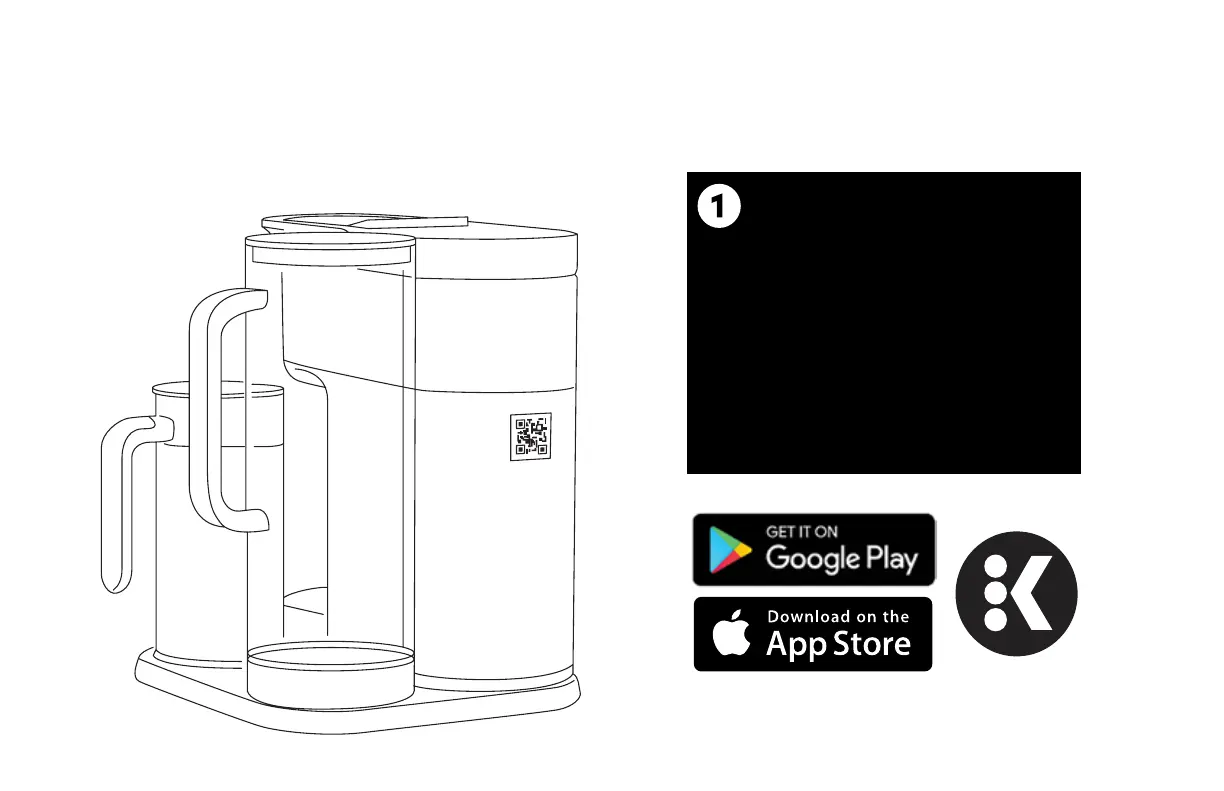
Get connected with the Keurig® app.
You will need this to set up and
control your brewer.
SCAN
the QR code
on the back of the brewer:
Use the camera on your
smartphone to scan the
QR code to download
the app and get started,
or download the Keurig® app
in the App Store.
App Store® is a service mark of Apple Inc.
Google Play and the Google Play logo are trademarks of Google LLC.




 To Next Page