Connect Your Brewer
GET CONNECTED
Open the Keurig® app
and select Get Connected,
then create an account.
Once completed,
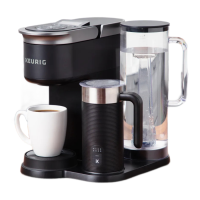
press the right arrow on
the brewer to Connect.
PLUG IT IN
Remove packing tape
from brewer and plug into a
grounded outlet. The brewer
will automatically power on,
or press any button
to power on.
Make sure you have your
home Wi-Fi® password ready.
SET UP
Follow the instructions in
the app to link the brewer
to your smartphone,
then to connect to
your home Wi-Fi®.
You will see a message
that says SUCCESS!
Wi-Fi® is a registered trademark of Wi-Fi Alliance®.




 To Next Page