Chapter 4 Maintenance and Technical Manual
Interceptor Biological Safety Cabinet Class II A2
October 2019
4.14
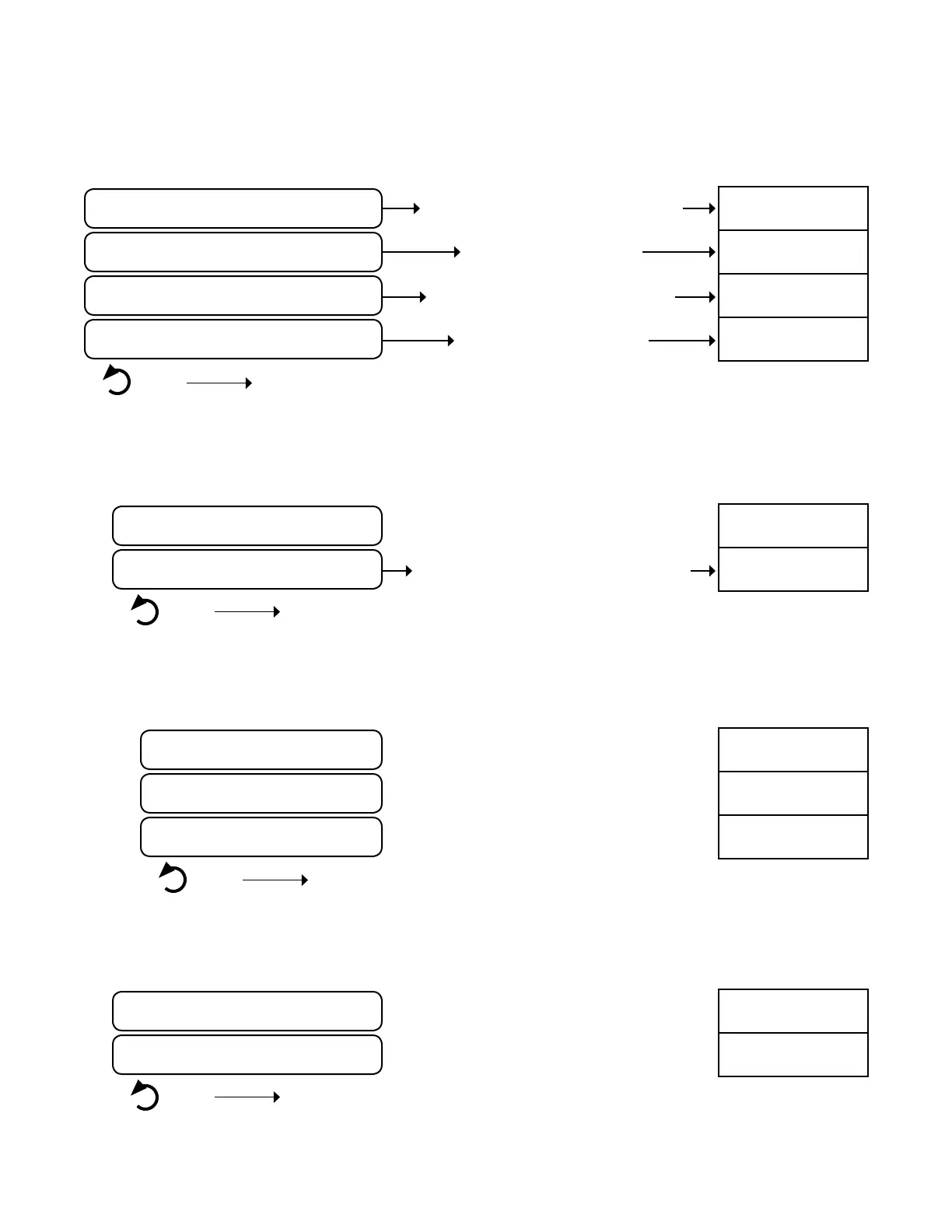
Monitor Menu Schematics
Menu Item
Time to Time Setting Menu See Table 4.11
Fan Speed to Fan Speed Menu See Table 4.13
Sensor Calibration to Sensor CalibrationMenu See Table 4.14
UV Settings to UV Settings Menu See Table 4.15
Back Return to Home Screen
Table 4.10
Cabinet Setup Menu
Menu Item Input Option Factory Setting
Show Time On, Off
On
Date & Time Settings to Date & Time Settings Menu See Table 4.12
Back Return to Cabinet Setup Menu
Table 4.11
Menu Item Input Option Factory Setting
Date Enter Current Date Current Date
Time Enter Current Time Current Time
Time Format 12hr, 24hr
12hr
Back Return to Cabinet Setup Menu
Table 4.12
Menu Item Input Option Factory Setting
Normal Fan Speed Set Normal Fan Speed ##%
NSB Fasn Speed Set NSB Fan Speed ##%
Back Return to Cabinet Setup Menu
Table 4.13
Time Setting Menu (password protected)
Date & Time Setting Menu (password protected)
Fan Speed Menu (password protected)
password
protected
password
protected
password
protected


 To Next Page