EasyManua.ls Logo

Keychron K3 - LED Status Overview; Function Description

Keychron K3
73 pages
Print Icon
To Next Page IconTo Next Page
To Previous Page IconTo Previous Page
Loading...
10
1. Bluetooth indicator
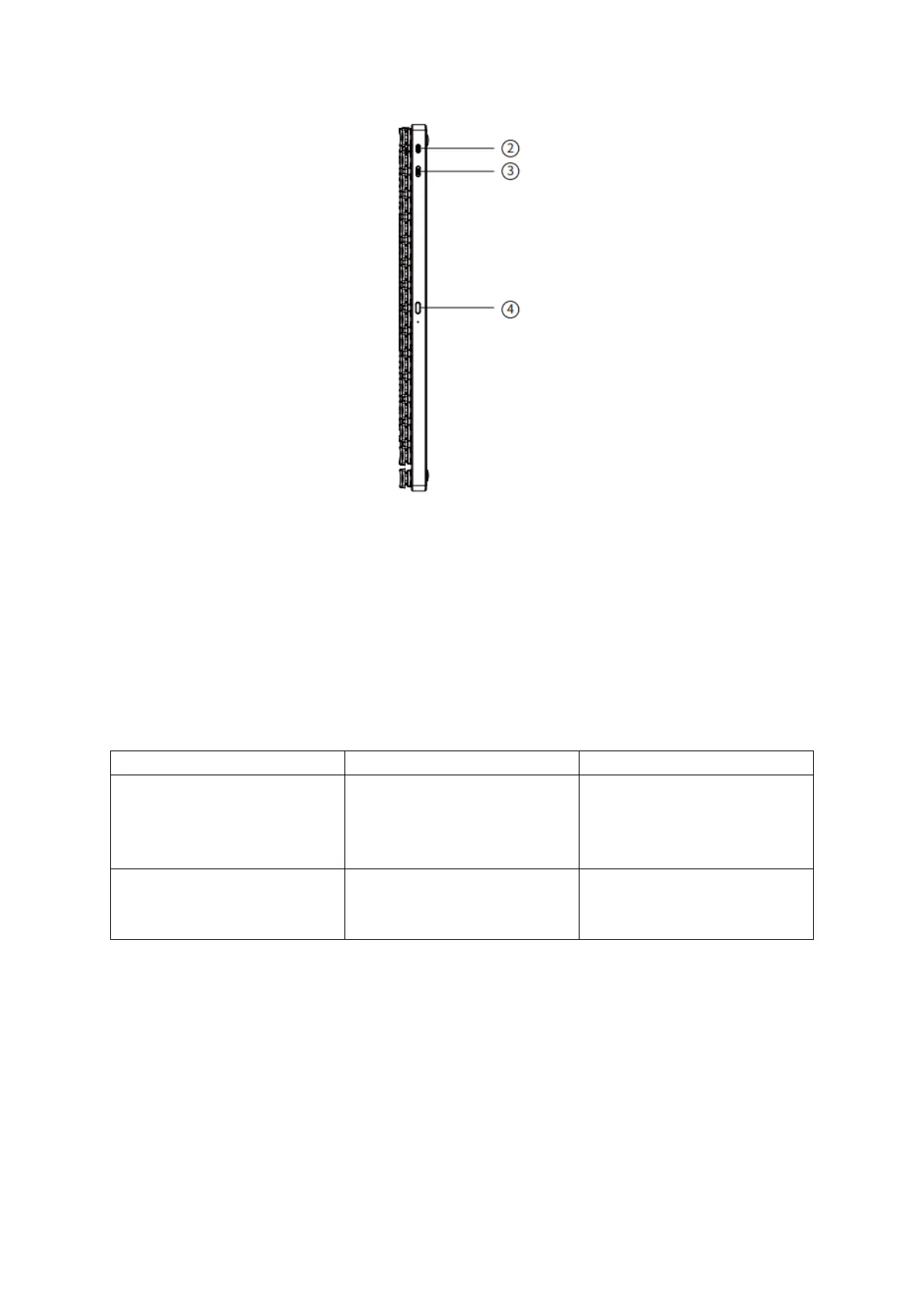
2. Win/Android Mac/iOS (OS Toggle Switch)
3. BT OFF Cable (Mode Toggle Switch)
4. Charging Port
LED Status Overview
LED Location
Function
Status
Battery indicator
Charging
Low battery Blinking Red
Charging Static Red
Fully charged Static
Green
Bluetooth indicator
Bluetooth
Pairing Fast Blinking
Paired Light Off
Switching Slow Blinking
Function Description:
Charging
Plug the cable into a USB port and plug the other end into the keyboard port. Charging
indicator: When battery is below 15%, a red battery blinking indicator will be triggered. A
red light will stay on while charging; Fully charged in around 3 hours, a green battery
indicator will appear.

Other manuals for Keychron K3

Related product manuals