24
Troubleshooting
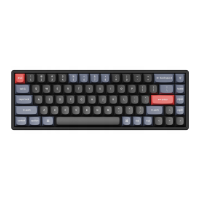
If you encounter issues pairing the Keychron K8 Max keyboard with a device, follow these steps to
resolve the problem:
• Verify Bluetooth Compatibility:
o Ensure that the device you are attempting to pair with supports Bluetooth
functionality. If it does, restart the device to refresh its Bluetooth connection and try
pairing it with the keyboard again.
• Windows-Specific Note:
o On Windows computers, establishing a new Bluetooth connection may sometimes
trigger additional system updates or driver installations. Even if the pairing appears
successful, these updates might still be in progress in the background.
o To avoid disruptions, wait at least 20 minutes after pairing to ensure that all related
updates and processes are fully completed before restarting your computer.
• Device Configuration:
o Confirm that the device is configured to accept Bluetooth connections, especially
external keyboards that rely on the HID (Human Interface Device) profile. Some
devices may have this functionality disabled by default.
• Bluetooth Settings on Windows:
o Navigate to Bluetooth Devices in your device settings, then open the advanced
settings menu. Ensure that the following options are enabled:
▪ Allow Bluetooth devices to find this computer.
▪ Allow Bluetooth devices to connect to this computer.
▪ Alert me when a Bluetooth device wants to connect.



 To Next Page