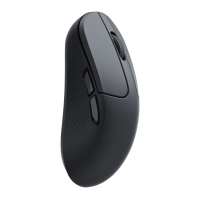
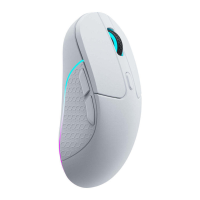
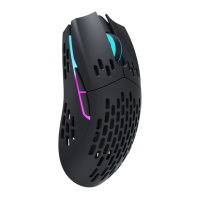
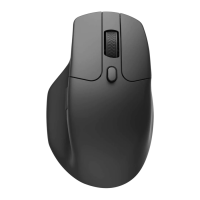
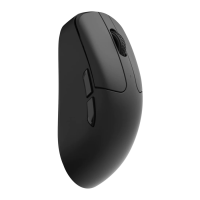
Charging indicator explanation
FullyCharged
Low Power
TheRGBlight on the side of the mousewheelwill stayGREENfor IOSandthen light off
TheRGBlight on the side of the mousewheelwill slowlyblink RED.
• The mouse is compatible with all USB ports. For the best signal and charging speed, connecting to the USB3.0 port is
recommended when charging or in use.
• Ifthe mouseisconnectedby the USBType Ccablewhen chargingbut not pairedwith anydev•ces:
he RGBlight on the side of the mouse wheel will stay REDfor IOSand then light off when charging.
TheRGBlight on the sideof the mousewheelwill stayGREENfor IOSandthen lightoff whenfully charged.
Note:Theproductsupportsup to 5Vchargingvoltageand 300 mAchargingCurrent.Wearenotresponsiblefor anyproblems
caused by improper recharging.
-8


 To Next Page