Need help?
Do you have a question about the Keychron M3 4K and is the answer not in the manual?
Connect the mouse via USB cable for wired operation.
Connect using the 4K wireless receiver for 2.4GHz wireless operation.
Connect the mouse via Bluetooth to compatible devices.
Indicator lights for 2.4GHz pairing status.
Indicator lights for Bluetooth pairing status.
Indicator light for low battery status.
Shows current DPI setting via different light colors.
Explains how indicator lights correspond to polling rates (Hz).
Instructions on how to reset the mouse to factory defaults.
Mouse enters sleep mode after inactivity to save battery.
Information on downloading and using the Keychron driver software.
Explains LED indicators for charging status (fully charged, low power).
Lists all items included with the mouse.
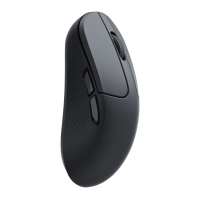
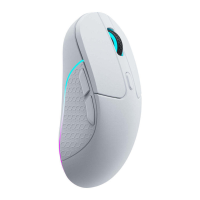
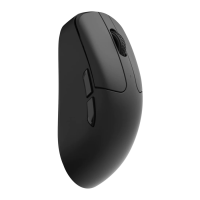
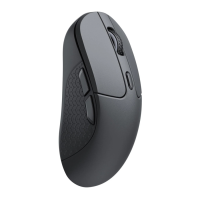
Technical details and specifications of the Keychron M3 4K mouse.
 General
| Sensor | PixArt PAW3395 |
|---|---|
| DPI | Up to 26000 |
| Buttons | 6 |
| Weight | 79g |
| Shape | Ergonomic |
| Color | Black, White |
| Connectivity | Wireless (2.4GHz), Bluetooth, Wired (USB-C) |
| Battery Life | Up to 70 hours |

 To Next Page