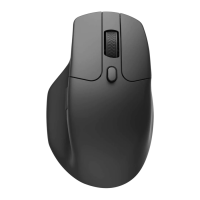
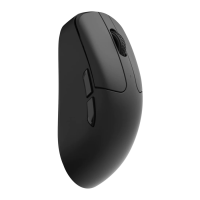
Bluetooth mode
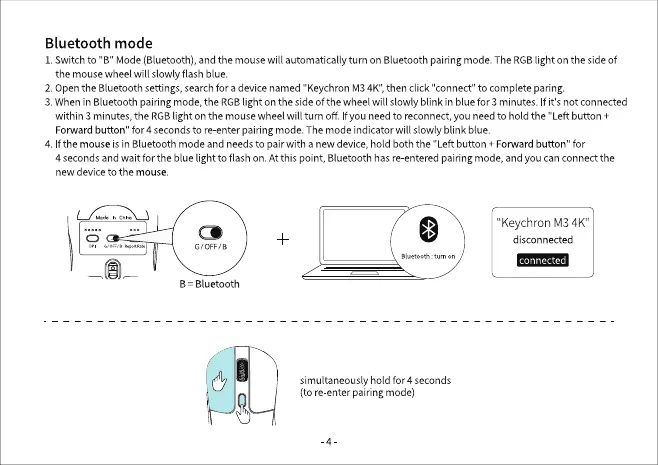
1. Switch to "B" Mode (Bluetooth), and the mouse will automatically turn on Bluetooth pairing mode. The RGBlight on the side of
the mouse wheel will slowly flash blue.
2. OpentheBluetoothsettings,searchfor a devicenamed "KeychronM34K",then click "connect" to completeparing.
3. Whenin Bluetoothpairingmode,the RGBlight on the side of the wheel will slowly blink in bluefor 3 minutes. If it's not connected
within 3 minutes, the RGB light on the mouse wheel will turnoff f you need to reconnect, you need to hold the "Left button +
Forwardbutton" for 4 secondsto re-enterpairingmode.The modeindicator will slowlyblink blue.
4. Ifthe mouse is in Bluetooth mode and needs to pair with a new device, hold both the "Left button + Forward button" for
4 secondsand wait for the blue light to flash on. Atthis point, Bluetoothhasre-enteredpairingmode,andyou canconnectthe
new device to the mouse.
G/0FF,/a
B Bluetooth
"KeychronM34K"
disconnected
connected
tum on
simultaneously hold for 4 seconds
(tore enter pairingmode)


 To Next Page