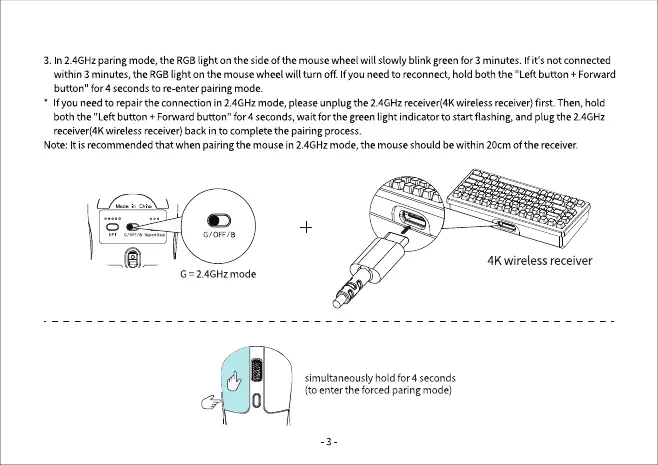
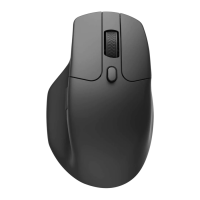
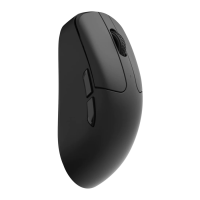
3. In2.4GHzparing mode,the RGBlighton the sideof the mousewheel will slowlyblink greenfor 3 minutes. If it's not connected
within 3 minutes,theRGBlight on the mousewheel will turn off Ifyou needto reconnect,hold both the "Left button + Forward
button" for 4 seconds to re enter pairing mode.
f you needto repairthe connectionin 2.4GHzmode,pleaseunplugthe 2.4GHzreceiver(4Kwirelessreceiver)first. Then,hold
both the "Left button + Forward button" for 4 seconds, wait for the green light indicator to start flashing, and plug the 2.4GHz
receiver(4Kwirelessreceiver)backin to completethe pairingprocess.
Note:It isrecommendedthat when pairingthe mousein 2.4GHzmode,the mouseshouldbewithin 20cmOfthe receiver.
GIOFF/B
G = 2.4GHz mode
4K wireless receiver
simultaneously hold for 4 seconds
(toenterthe forced paring mode)
-3


 To Next Page