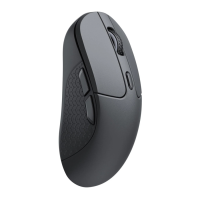
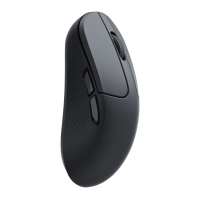
Note: The product supports up to 5V charging voltage and 300 mA charging current. We are not responsible for any problems
caused by improper recharging.
* The mouse can be charged in 2.4GHz mode, Bluetooth mode and wired mode.
* The mouse is compatible with all USB ports. For the best signal and charging speed, connecting to the USB3.0 port is
recommended when charging or in use.
* If the mouse is connected by the USB Type - C cable when charging but not paired with any devices:
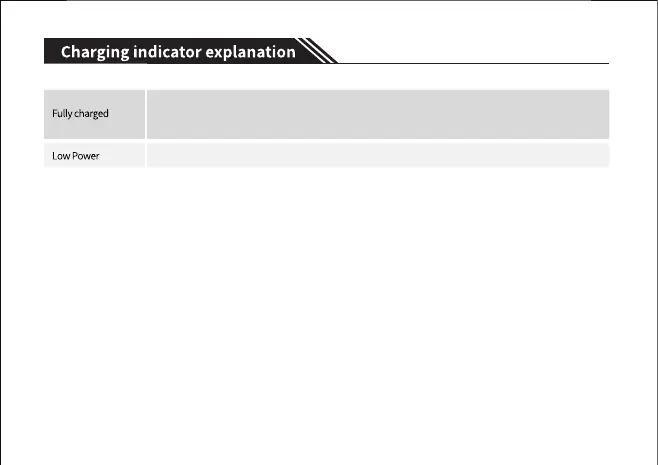
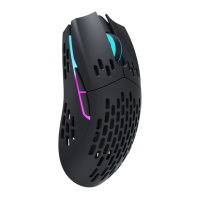
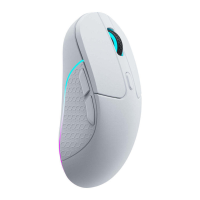
·The RGB backlit on the side of the mouse wheel will blink RED for 10s, then dim off when charging.
·The RGB backlit on the side of the mouse wheel will blink GREEN for 5s, then dim off when fully charged.
- 8 -
The RGB backlit on the side of the mouse wheel will light up GREEN for 5s and then resume its
previous light effects.
The RGB backlit on the side of the mouse wheel will slowly blink RED.


 To Next Page