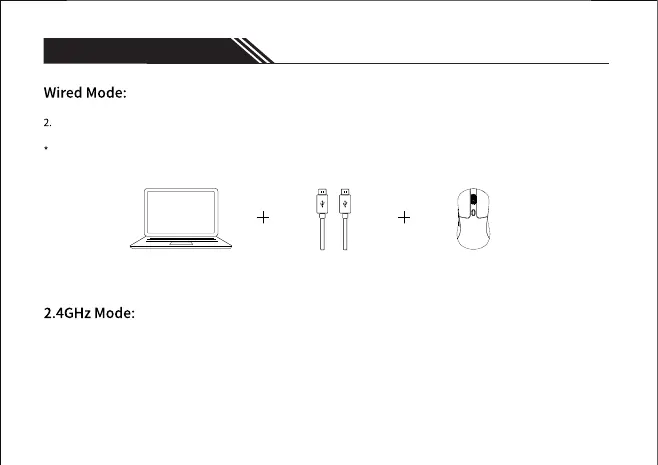
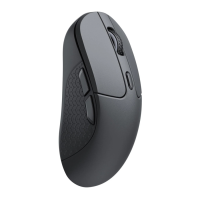
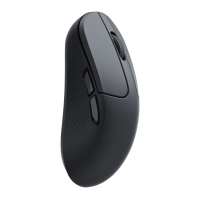
Connect the cable to the TYPE-C port of the mouse and the USB port on the device. The mouse is ready to use while the
backlit lights up.
When connected by cable, the mode will default to wired mode even if the toggle is in Bluetooth mode or 2.4GHz mode.
1. When the mode switch is in "OFF" position, the mouse won't respond if the cable is not connected.
3 Modes of connection
- 2 -
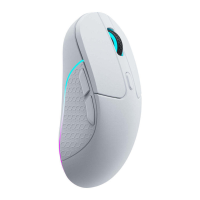
1. Switch to "G" mode (2.4GHz mode), and the mouse will automatically turn on 2.4GHz paring. The RGB light on the mouse
wheel will slowly flash green.
2. Find the 2.4GHz receiver and connect it to the device's USB/Type-C port. Once successfully connected, the RGB light on the
mouse wheel will turn green and stay on for 3 seconds, then dims off. The RGB backlit enters breathing mode when
successfully connected.


 To Next Page