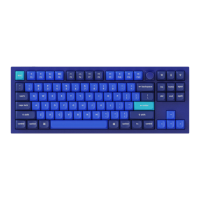
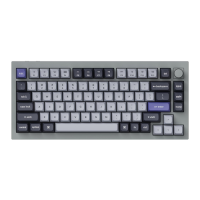
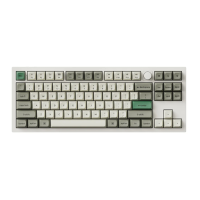
Download Q1 V2 ISO Knob Version JSON File
Download Q1 V2 ISO Non Knob Version JSON File
3. Unplug your keyboard from your computer.
4. Open VIA
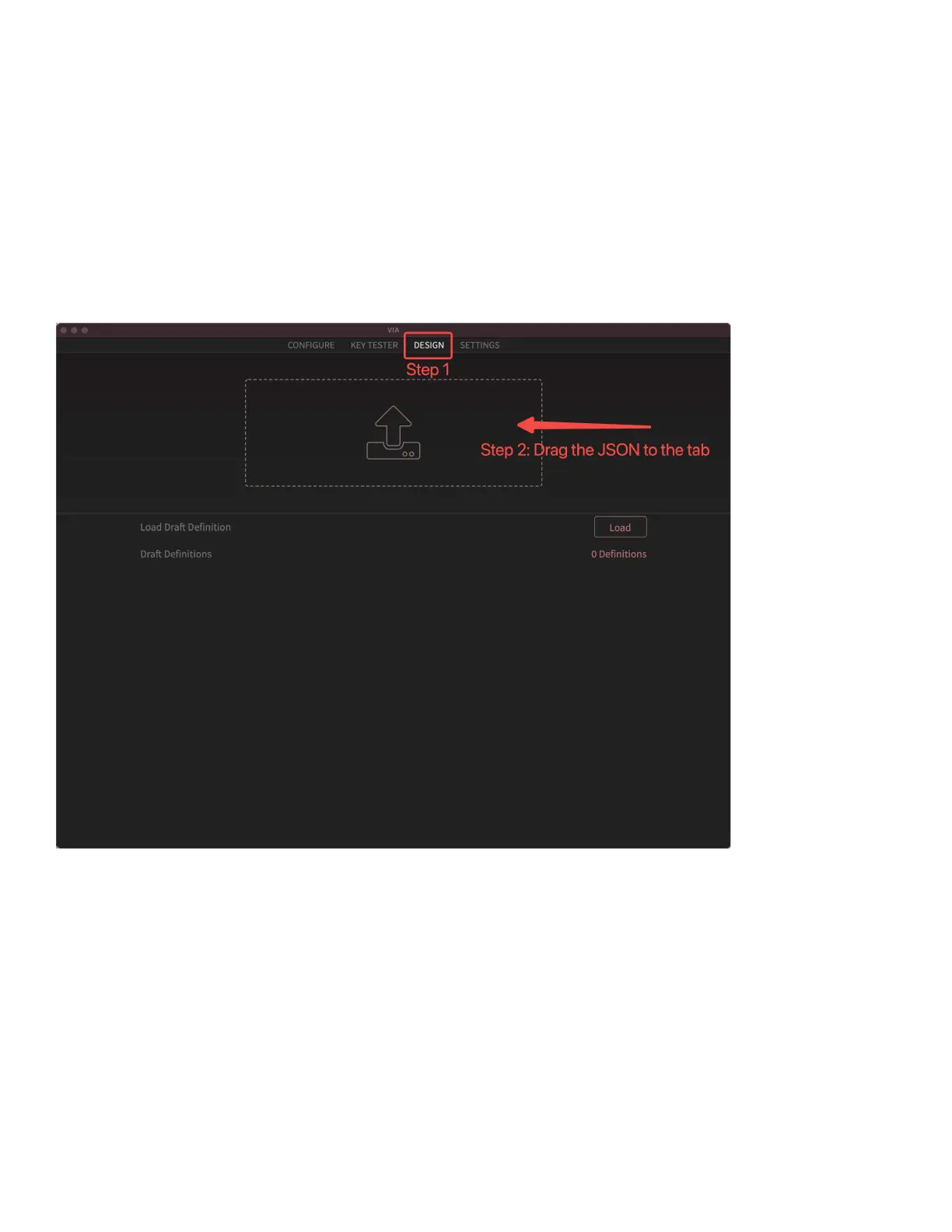
Step 1: Click the “DESIGN” section.
Step 2: Drag the JSON file to the tab and then click the “CONFIGURE” section to
customize the keymap.
6. Replug your keyboard.
7. VIA should pair together with the Keychron Q1 now.
You may contact support@keychron.com if a defect covered by the warranty
arises in your product within the warranty period. Keychron will honor the
warranty of our Q and V series keyboard (e.g.: Q1, Q2, V1, V2, etc.) by one of
the following methods at our discretion:
– Defects of Q and V series keyboards have been caused by manufacturing: We will only replace



 To Next Page