7
Watch The Building Tutorial On Our Website
If you are building the keyboard for the first time, we high y
recommend you watch the building tutorial video on our
website first, then start building the keyboard yourself.
8
Factory Reset
8
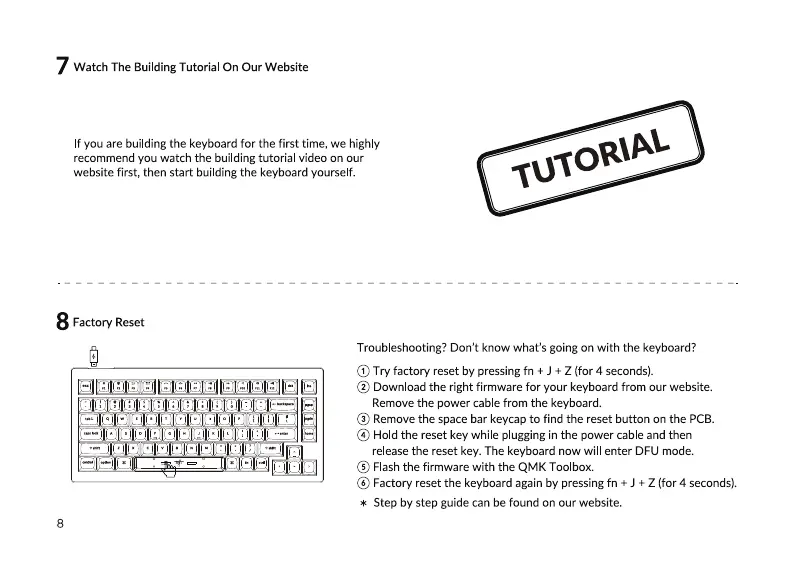
Troubleshooting? Don't know what's going on with the keyboard?
@Try factory reset by pressingfn + J+ Z (for4 seconds).
@ Download the right firmware for your keyboardfrom our website.
Remove the power cable from the keyboard.
@ Removethe spacebar keycapto find the reset button onthe PCB.
@ Hold the reset key while pluggingin the power cableand then
release the reset key. The keyboard now will enter DFIJ mode.
@ Flashthe firmware with the QMK Toolbox.
@ Factory reset the keyboardagainby pressingfn + J + Z (for 4 seconds).
* Step by step guide can be found on our website.


 To Next Page