3 TheLayers
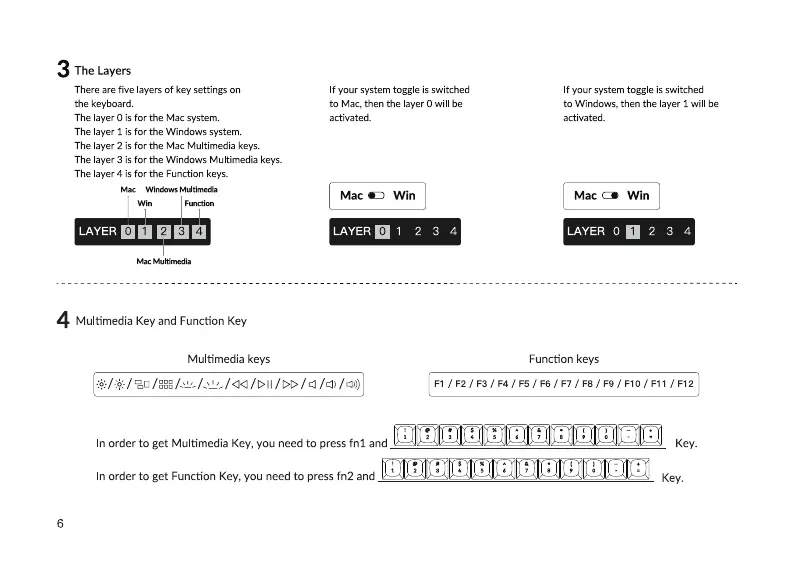
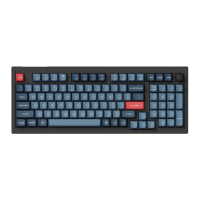
There are five layers of key settings on
the keyboard.
The layer O is for the Mac system.
The ayer 1 is for the Windows system.
The layer 2 is for the Mac Multimedia keys.
The layer 3 is for the Windows Multimedia keys.
The ayer 4 is for the Function keys.
Mac
LAYER
4
Multimedia Key and Function Key
Multimedia keys
If your system toggle is switched
to Mac, then the layer O will be
If your system toggle is switched
to Windows, then the layer 1 will be
activated.
Mac Win
LAYER0 1 2
3
4
activated.
Mac Win
LAYER o 2
Function keys
3
4
In order to get Multimedia Key, you need to press fnl and Key.
In order to get Function Key, you need to press fn2 and
Key.
6


 To Next Page