9
Watch The Building Tutorial On Our Website
If you are building the keyboard for the first time, we highly
recommend you watch the building tutorial video on our
website first, then start building the keyboard yourself.
10
Factory Reset
Troubleshooting? Don't know what's going on with the keyboard?
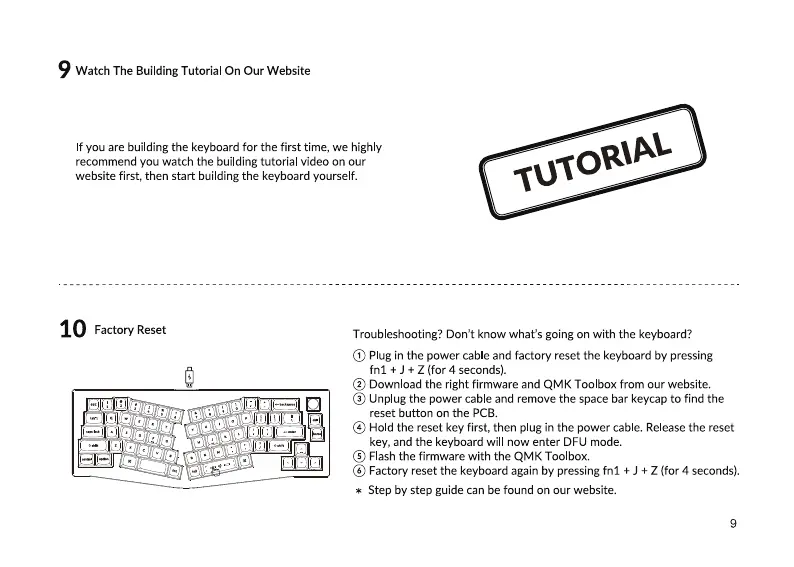
@ Plugin the power cableandfactory reset the keyboardby pressing
fnl + J + Z (for 4 seconds).
@ Down Oadthe right firmware and QMK Toolbox from our website.
@ Unplugthe power cableand removethe spacebar keycapto find the
reset button on the PCB.
@ Hold the reset key first, then plug in the power cable.Releasethe reset
key, and the keyboard will now enter DFU mode.
@ Fash the firmware with the QMK Toolbox.
@ Factory reset the keyboardagainby pressingfnl + J + Z (for 4 seconds).
* Step by step guide can be found on our website.
9


 To Next Page