3
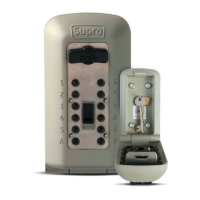
Supra C500 Pro User Guide
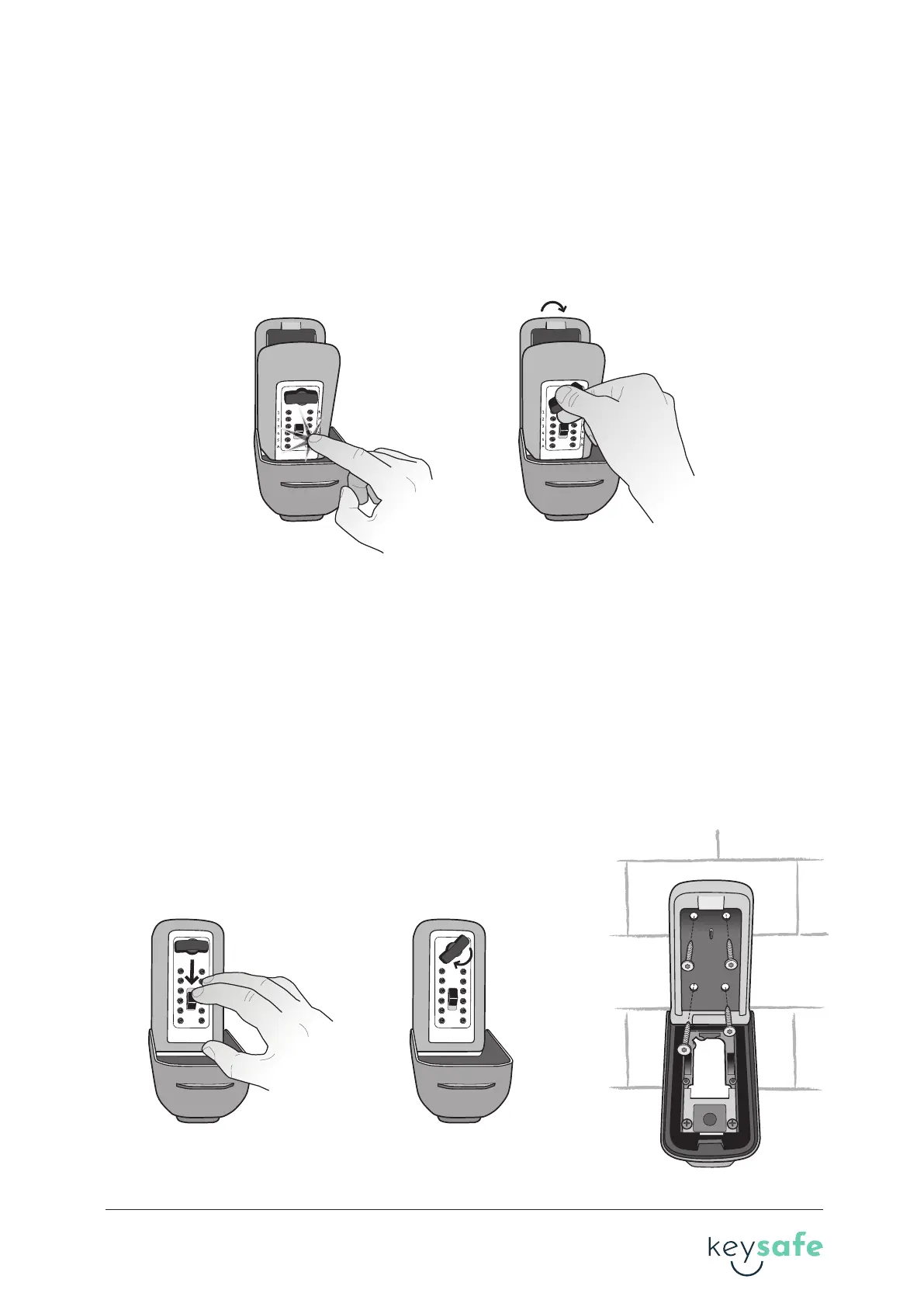
1. Make sure OPEN handle is in the locked posion. If not, turn OPEN handle counter-clockwise
unl it’s in the locked posion. On the front of the KeySafe, press only the buons in your
combinaon. Press each buon in unl it clicks. If you press the wrong buon, push down on
the CLEAR buon and enter your code again.
2. Turn the OPEN handle clockwise 180° to open. If the combinaon is set correctly, the OPEN
handle will turn fully and the locking bolt will retract. If not, push down the CLEAR buon and
refer to secon A. Seng your combinaon.
1. Press down on the CLEAR buon and enter the combinaon set in Secon B.
2. Turn the OPEN handle clockwise 180° to open the lid.
3. Use the mounng template to posion the holes so they are as close to the center of the
brick as possible. Do not install screws into mortar since this will weaken the mounng.
4. Use the mounng template to drill four mounng holes using a 5mm masonry drill bit to a
depth of at least 7mm deeper than the length of the screw.
5. Clean out dust and debris from all holes.
6. Posion the KeySafe on the four holes and drive the screws directly into the brick.
B. Testing your combination
C. Mounting the Supra C500 Pro
B.1 B.2
C.1 C.2 C.6
1
2
3
4
5
A
6
7
8
9
0
B
1
2
3
4
5
A
6
7
8
9
0
B
3 brand guideline


 To Next Page
 Loading...