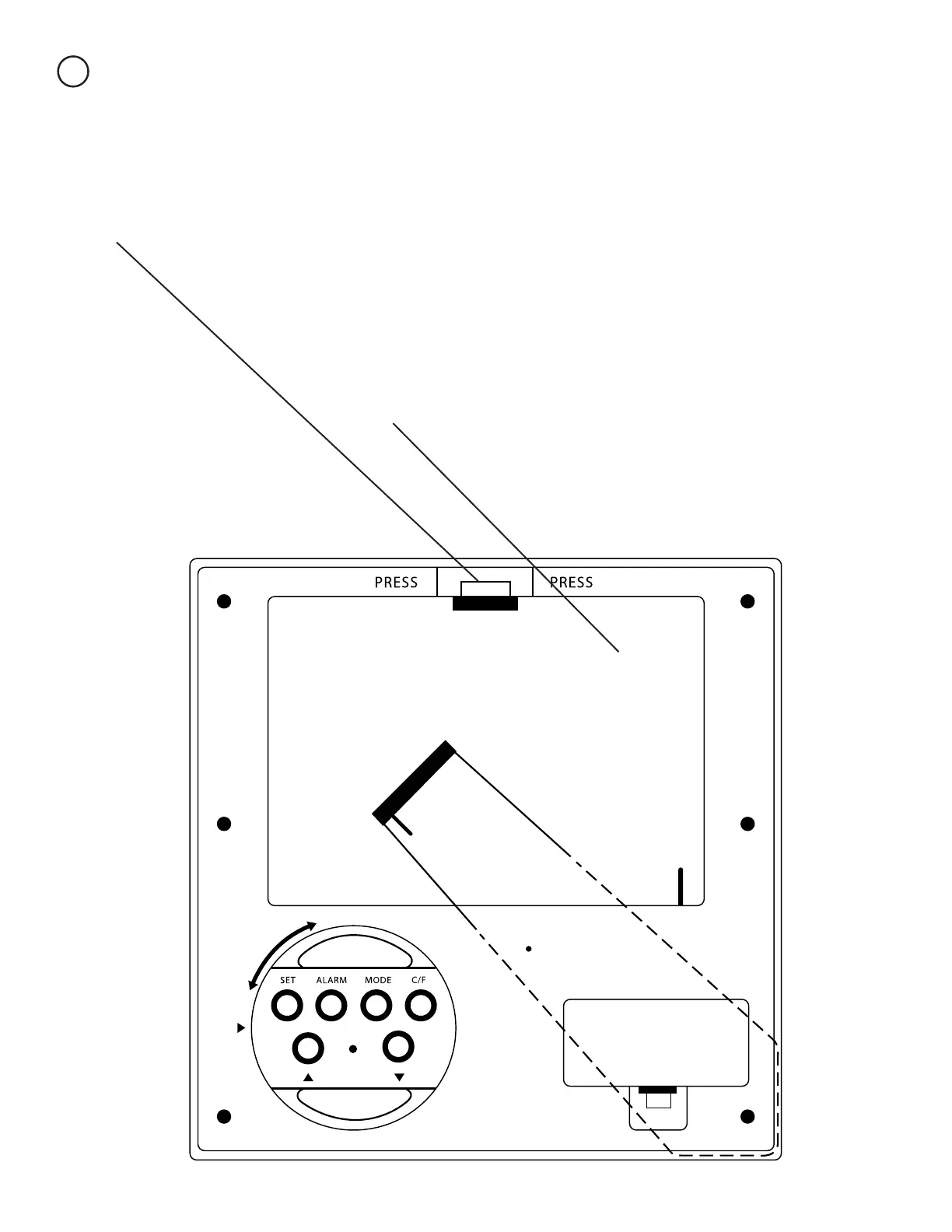
Inserting a Photo
2
Push the plastic tab towards the bottom of the frame. This piece is usually fairly
stiff because it is new. This will release the door. The door is on a hinge and will
not come off all the way.
Inside the door is a piece of glass and a piece of thin
cardboard. You can use the cardboard as a template to
trim a copy of your favorite photo down to the 5”x 3.5”
size. Once you have trimmed your photo simply place it
it inside the window, with or without the cardboard.


 To Next Page