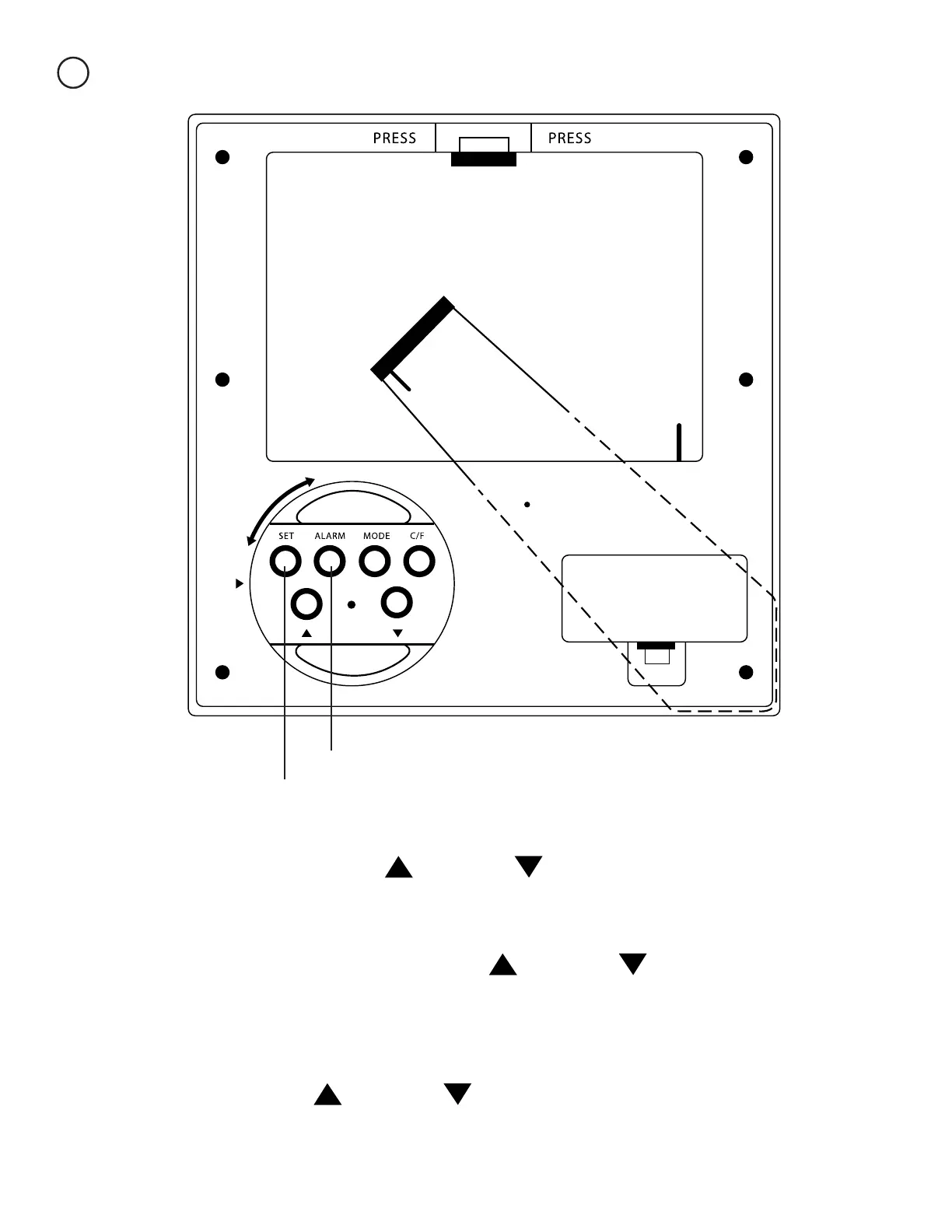
Setting the Alarm
3
To set the alarm, push the alarm button.
Now push the set button.
Once you have selected your notiction tune/beep, push the
set button one last time. Your alarm is now set.
Now push the set button again. The minutes should now
be ashing. Use the up and down to adjust the
time to the correct minute(s).
Finally push the set button again. A smaller number in the
lower left corner of the display should be ashing. Use the
up and down to change the notication tune/beep.
The hour should now be ashing on the display.
Use the up and down to adjust the time to
the correct hour.



 To Next Page