Operation Manual
E&OE
- 4 -
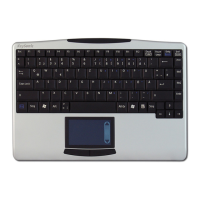
• Place your finger on the „Page-Scroll“ area and glide over it in order to scroll up and down in your
application.
• When using a notebook with integrated touchpad and mouse function keys, you must disable these
internal control devices when using this keyboard, if you encounter error messages or malfunctions*.
• In order to make the double-click speed and the cursor movement speed slower or faster, modify the
settings of the mouse options in your Windows System Settings*.
2.2. Keys with double functions
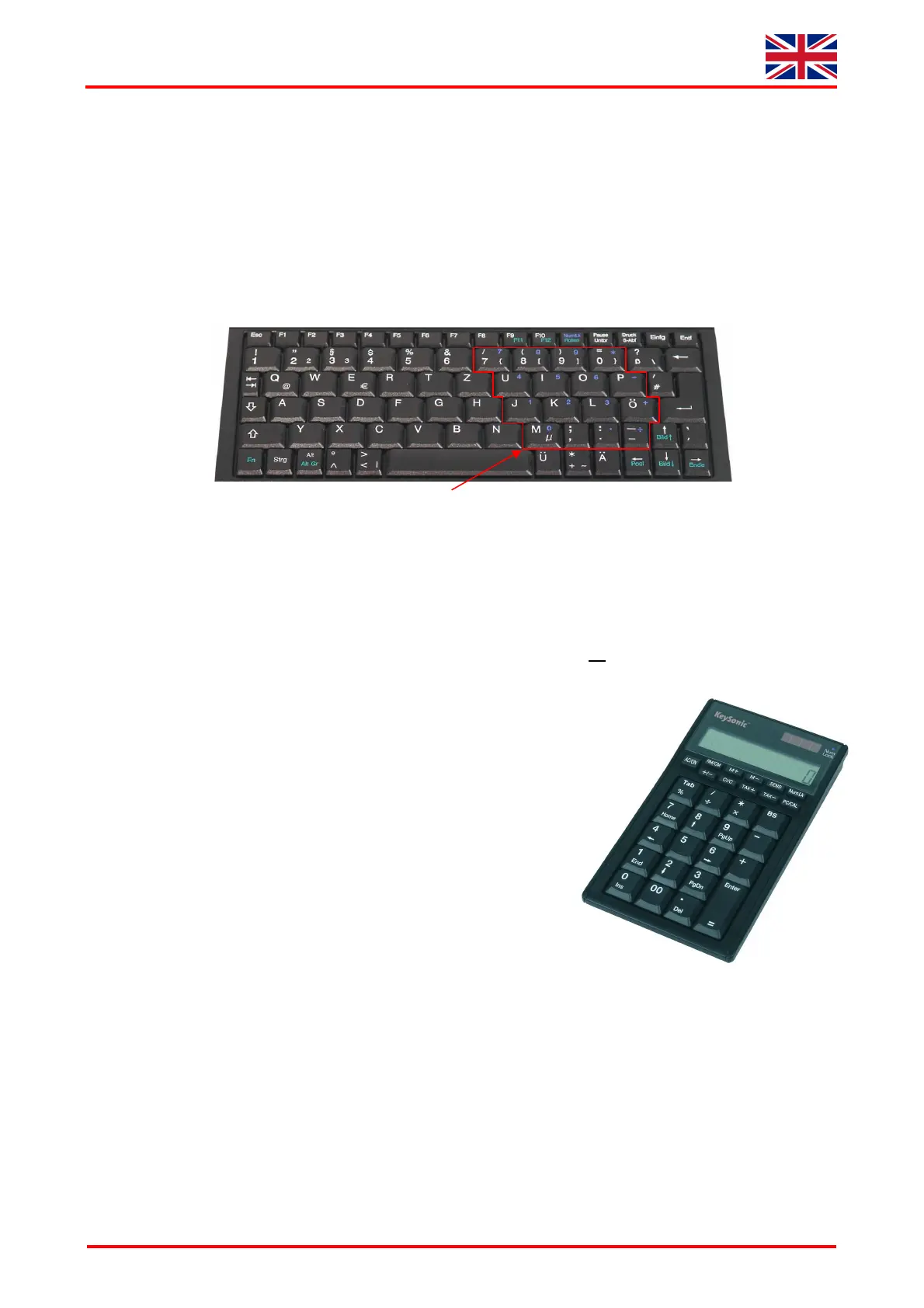
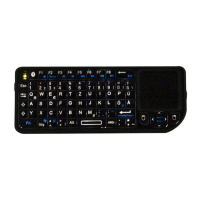
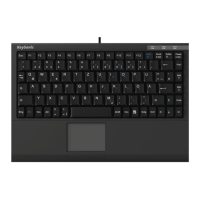
• The layout of the keyboard is a special space-saving layout with the same virtual numeric keypad also
used in notebook keyboards: Press the „NumLk“ key in the top key row in order to switch the virtual
numeric keypad function on and off.
(Characters depicted in blue are assigned to the keys – „Num Lock“ status-LED is lighting)
• The integrated numeric keypad is activated when the „NumLk“ key has been typed (LED is lighting). If
the "Fn" key is being kept pressed simultanously, you can temporarly de-activate the virtual numeric
keypad. This is particularly convenient to quickly enter letters apart from numbers.
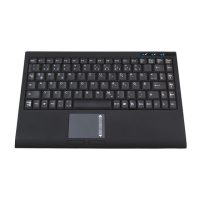
• Without the „NumLk“ key having been pressed (LED off),
the "Fn" key kept pressed will control the integrated position
keys in the same way as an external keypad
(please refer to the pitcture)
„Home“, „
“, „PgUp“, „
“, „
“, „End“, „
“, „PgDn“, „Ins“, „Del“
• Independent of the status of the „NumLk“ key (active or not),
further double functions are available by keeping the „Fn“ pressed
together with: „Alt Gr“ (not in US-layout),
„F11“, „F12“, „ScrLk“, „PgUp“, „Home“, „PgDn“, „End“
In case you need e. g. „¦“-symbol, you have to press the following
keys simultanously: „Fn“ + „Alt Gr“ + „¦“
3. How to Clean the Keyboard
• Remove dust with a brush, with soft compressed air, or with a vacuumator with brush head nozzle.
• Remove fine dirt with a not-too-damp cloth.
• DO NOT use any aggressive detergents, solvents, or gasoline in order to clean the keyboard.
virtual numeric keypad



 To Next Page